3-CONTROLSANDINSTRUMENTS
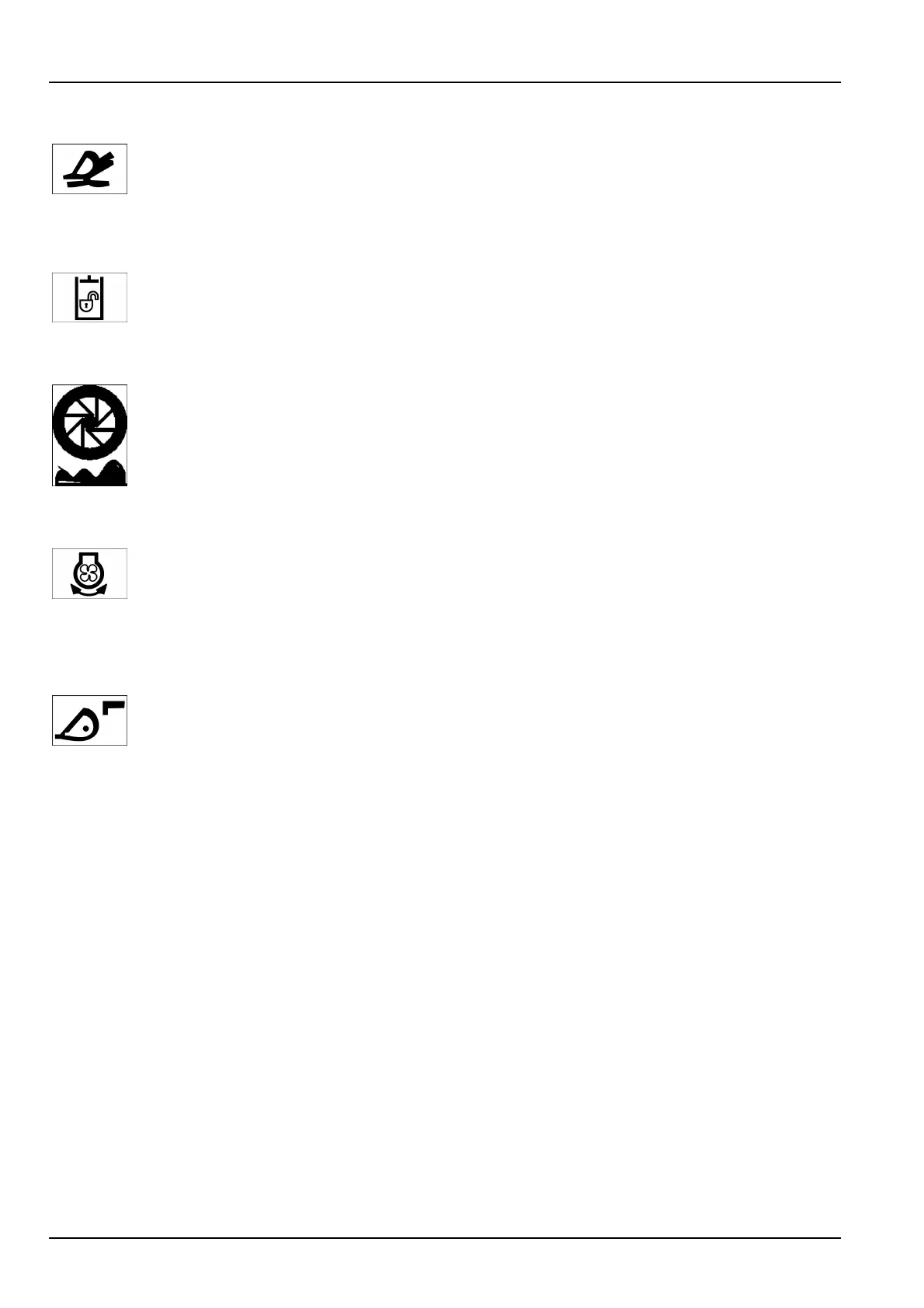
13.Float
Presstheoatbuttontoenable/disabletheoatfunction.Thisfunctionallowsthebucketto
automaticallymovetotheoatposition.
SeeChapter4forfurtherinformation.
LEDcolor:green.
14.Hydraulicfunctionslock-out
Pressthehydraulicfunctionslock-outbuttontolock/unlockallhydraulicfunctions(exceptsteering).
LEDcolor:red.
15.Ridecontrol
Presstheridecontrolbuttontoenable/disabletheridecontrolfunction.Ridecontrolwillautomatically
activatewhengroundspeedisabove5km/h(3.1mph)andautomaticallyshutoffwhenground
speedisbelow5km/h(3.1mph).
SeeChapter4forfurtherinformation.
LEDcolor:green.
16.Fanreverser
TousethefanreverserletthemachineidleinNEUTRAL.Pressandholdthefanreverserbuttonand
pressthethrottletohighidleforaminimumof10soruntildebrisstopsblowingoutofthecoolers.
Returnthemachinetoidleandreleasethefanreverserbutton.Pressthefanreverserfunctionto
turnON/OFFtheautomaticreversingfunction.
LEDcolor:green.
17.Couplerengagement
Thecouplerengagementbuttonallowstheengagementoftheattachmentfromtheoperator's
compartment.Pushandholdthebuttontoretractthepinsfortheattachment.TheredLEDwill
illuminatewhenthepinshavebeenretracted.Pressthebuttonagaintolockthepinsintheextended
position.
SeeChapter6forfurtherinformation.
LEDcolor:red-green.
3-26


 To Next Page