CONTROLS AND INSTRUMENTS
2-41
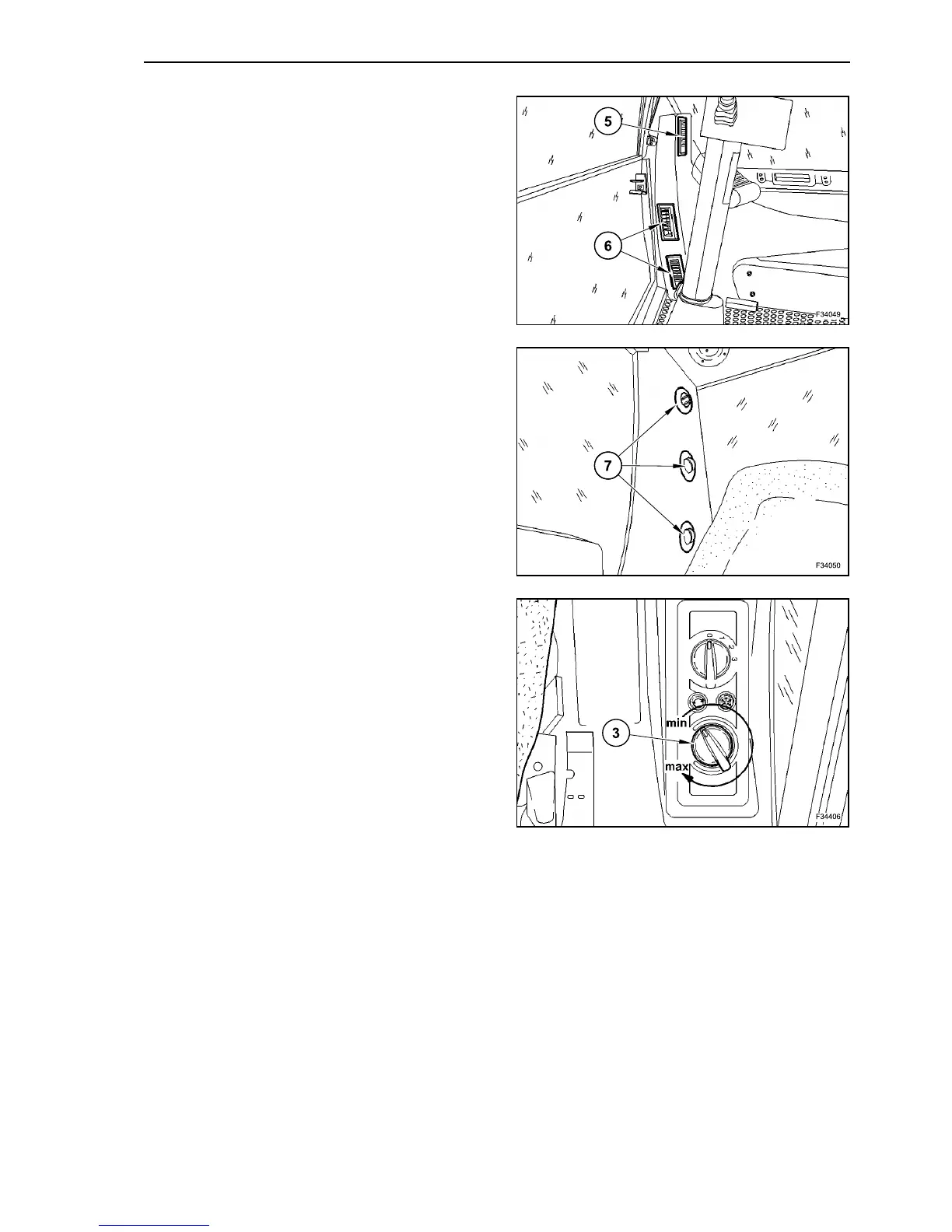
Open the two air-flow vents (5) for the front windows
as wide as possible and direct onto the front win-
dows.
Open the air-flow vents (6) for the side window as
wide as possible and direct onto the side window.
Open the air-flow vents (7) of the rear window as
wide as possible and direct onto the rear window.
Set heating output to max.
Set the blower speed to stage 3 by means of knob
(3).
47
48
49



 To Next Page