SUPPLIES AND SERVICE CHART
4-11
SERVICE BRAKE
Before starting the machine, check the proper oper-
ation of:
- service brake.
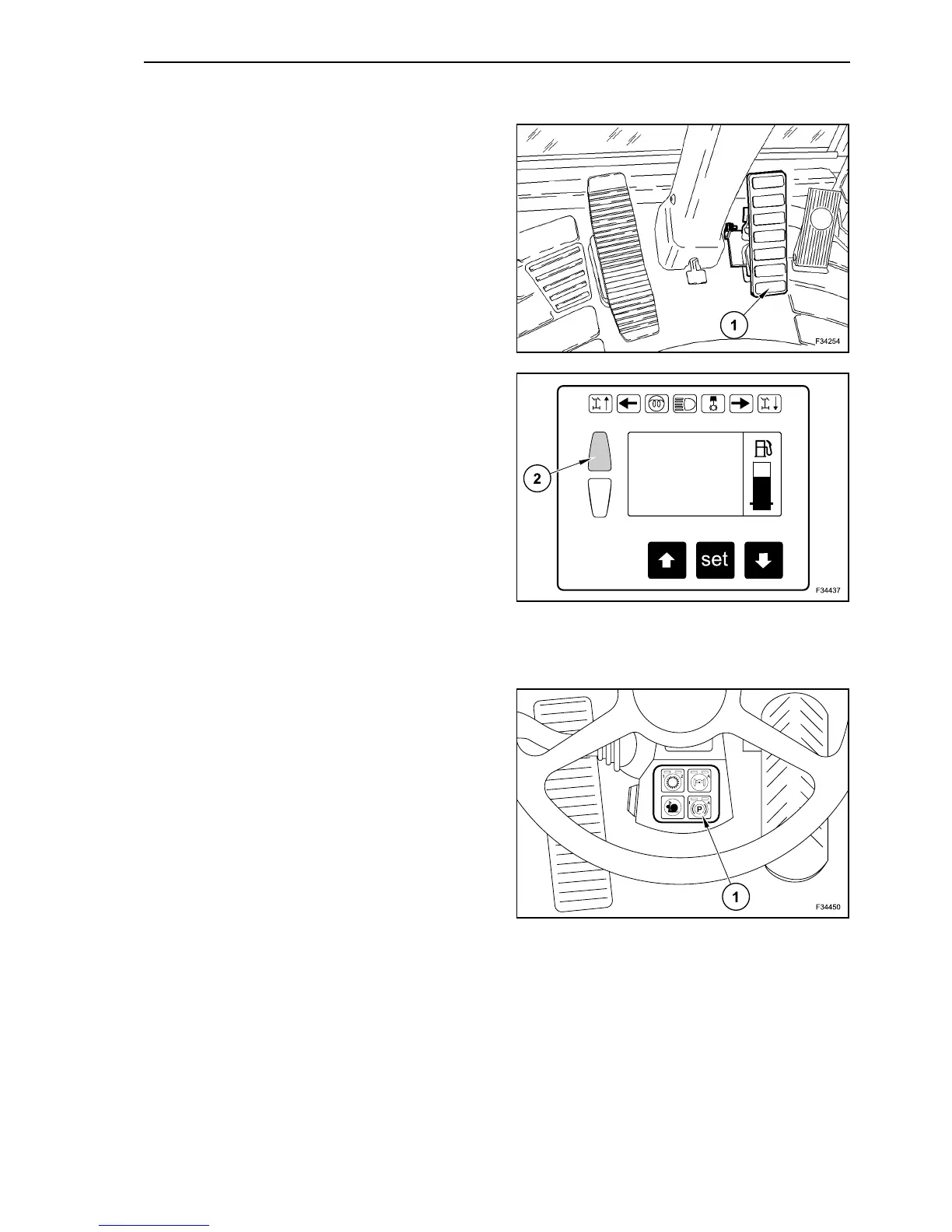
Check the operation of the service brake by
depressing pedal (1).
The service brake operation is always monitored by
the multi-function display.
If during the working stages lamp (2) is on:
- stop the machine immediately;
- apply the parking brake;
- place the machine in a safe condition;
- clear off the trouble.
PARKING BRAKE
Before starting the machine, check the proper oper-
ation of:
- parking brake.
Check the operation of the parking brake by press-
ing the button (1).
5
6
7



 To Next Page