SUPPLIES AND SERVICE CHART
4-83
BULBS - REPLACEMENT
Burnt bulbs have to be replaced with bulbs of same
power.
Before installing a new bulb, remove all traces of
corrosion from the holder and the electrical con-
tacts.
This helps avoid contact problems and high contact
resistances.
Never touch new bulbs with bare fingers. Finger
marks and dirt will burn in when the bulb is hot and
may reduce the service life of the bulb.
Because of this, wrap a clean rag or a piece of the
packing around the bulb and fit the same into the
bulb holder.
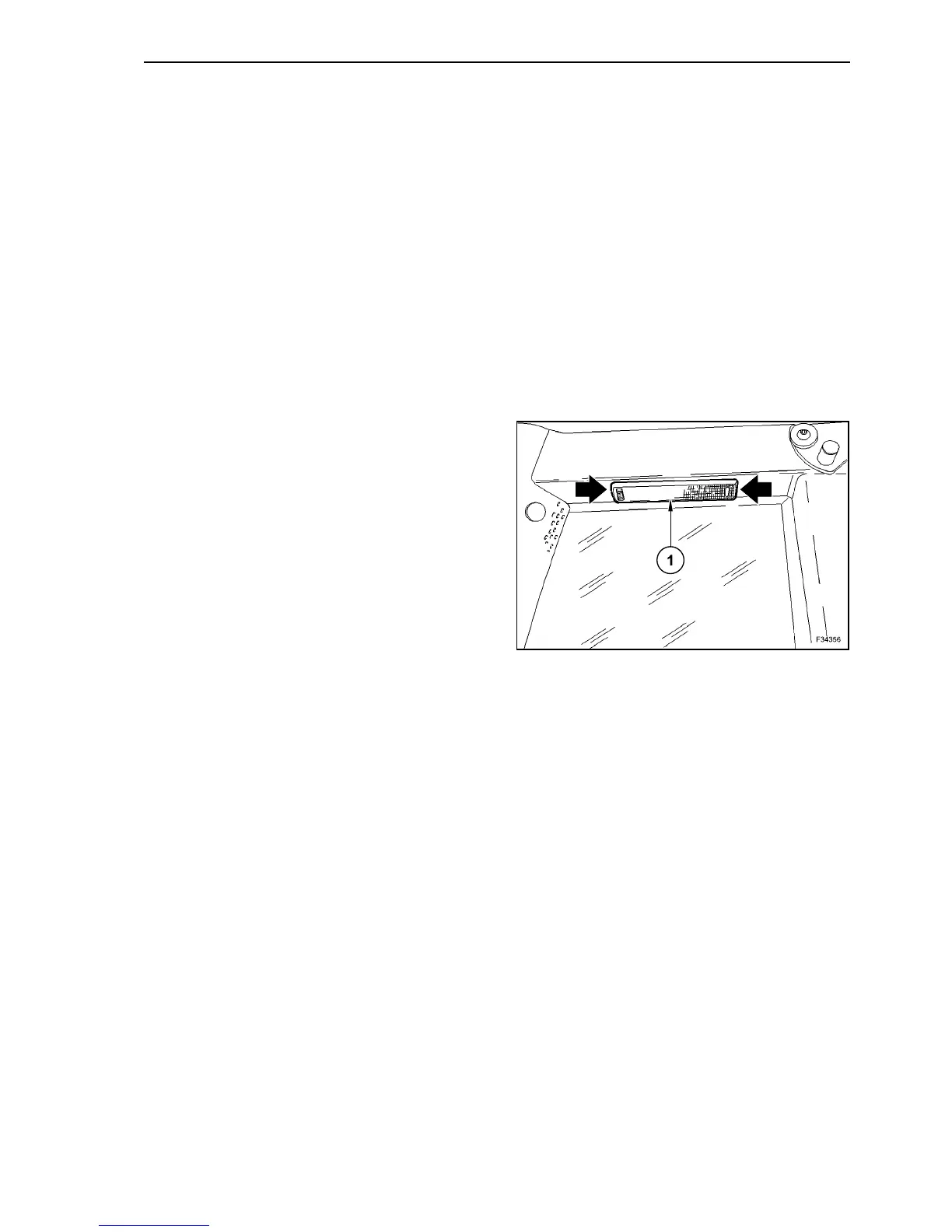
CAB LIGHT
Unlock and remove the light cover (1).
Now the bulbs are accessible and can be replaced.
Refit the cover (1) and lock it.
120



 To Next Page