CONTROLS AND INSTRUMENTS
2-33
Opening the door from inside
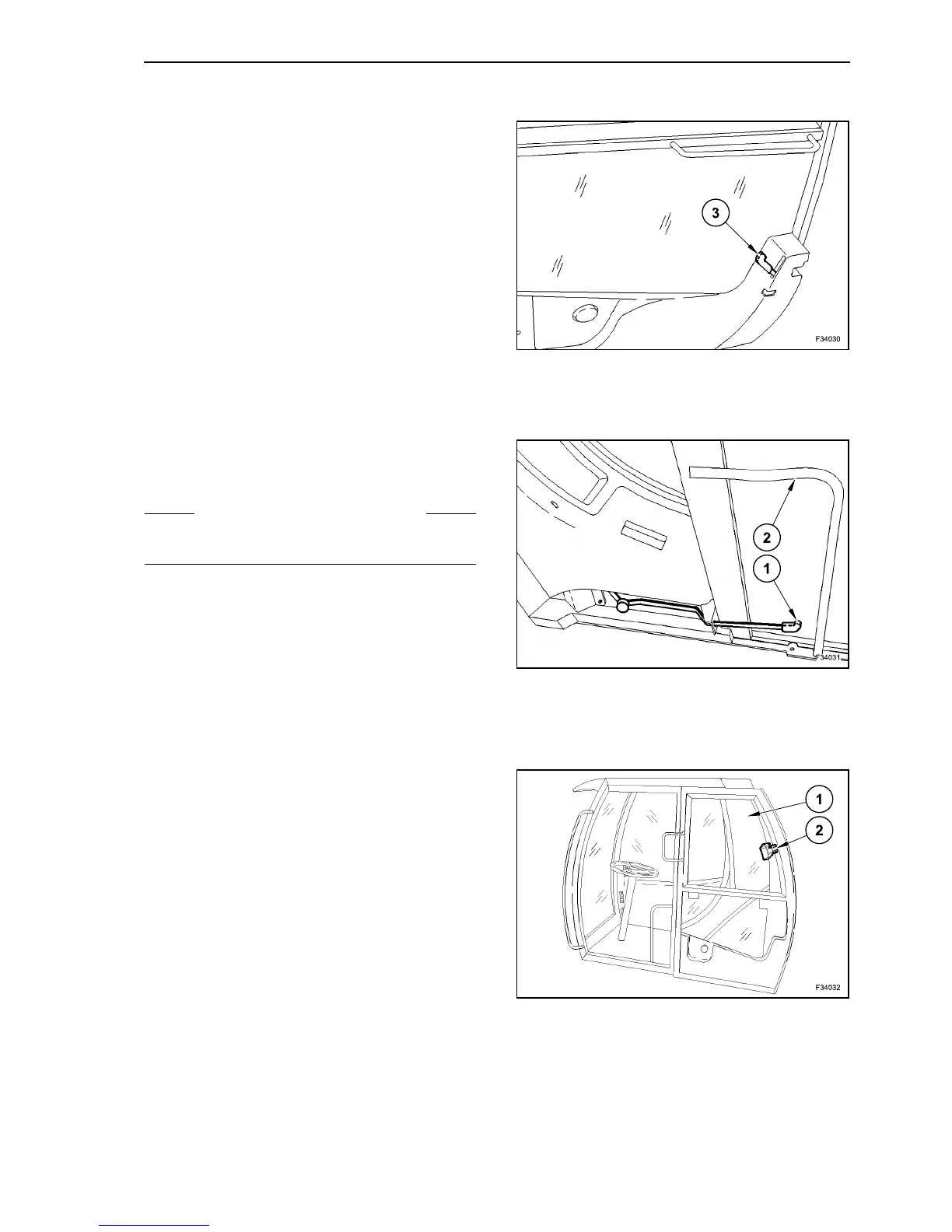
To open the door from inside, push lever (3) forward.
DOOR CLOSING
Unlock the opened, locked-in door by pushing down
the lever (1). Grab the handle (2) on the upper side
of the door frame and close the door.
SIDE WINDOW
Loosen the locking device (1) and move the glass
(2) backward.
To close the glass (2), push it forward until the lock-
ing device locks.
29
S WARNING S
Make sure that the doors are correctly closed
before any travel.
30



 To Next Page