SECTION 2
2-32
CAB
ENTRY AND EXIT
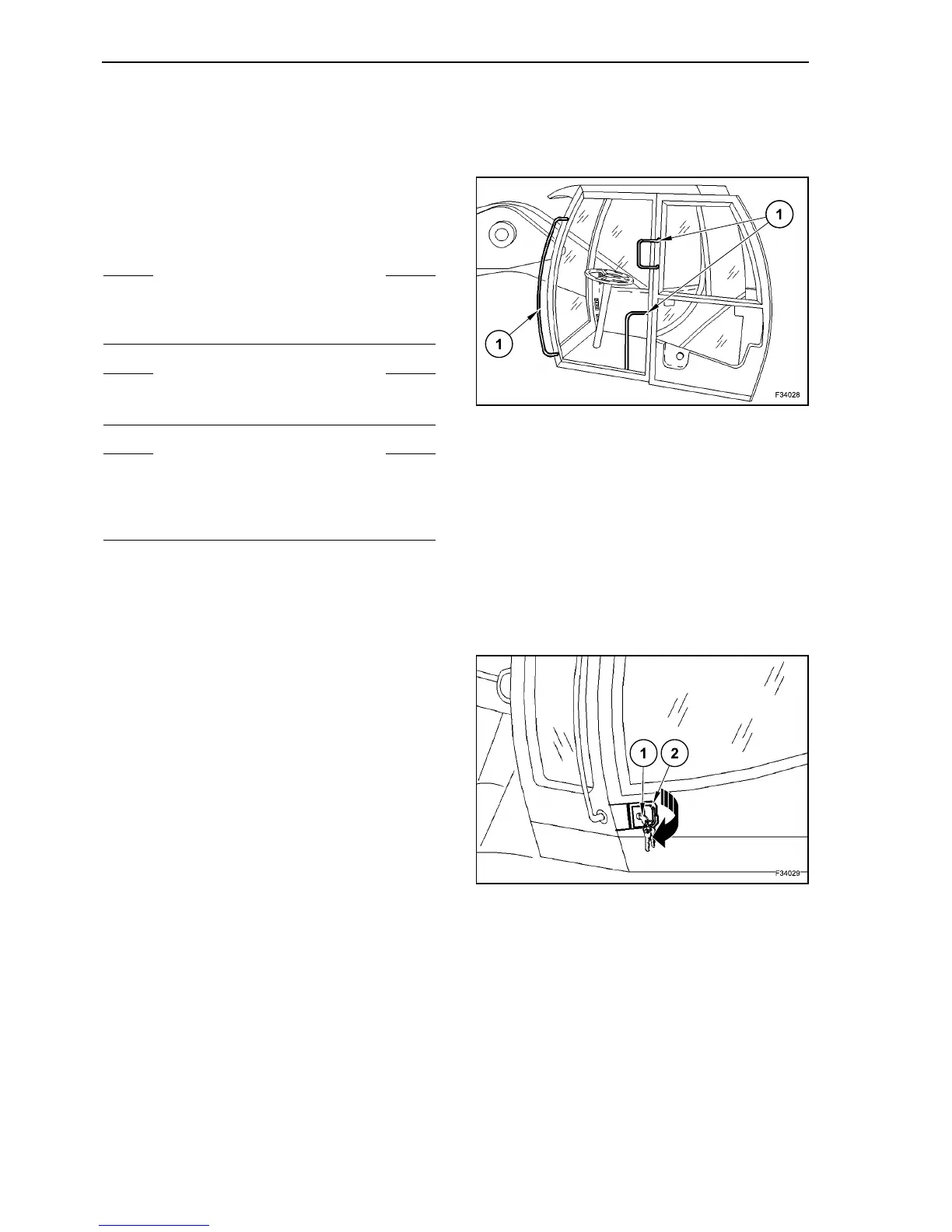
Use only the steps, platforms and grab handles (1)
provided for entering and leaving the cab.
Always face the machine when climbing or dis-
mounting.
DOOR OPENING
Opening the door from outside
Unlock the door with key (1).
Withdraw the flap (2) on the door lock.
The door can now be opened.
Fully opened, the door can be locked into place.
S WARNING S
Never use the steering wheel or the control levers
to help yourself entering or leaving the operator’s
compartment.
S WARNING S
Clean the steps and access handles and remove all
traces of grease, oil, mud and ice (winter).
S WARNING S
Never jump on or off the machine. When dismount-
ing from the operator’s compartment always face
the machine and use the steps and access han-
dles.
27
28



 To Next Page