SECTION 3
3-30
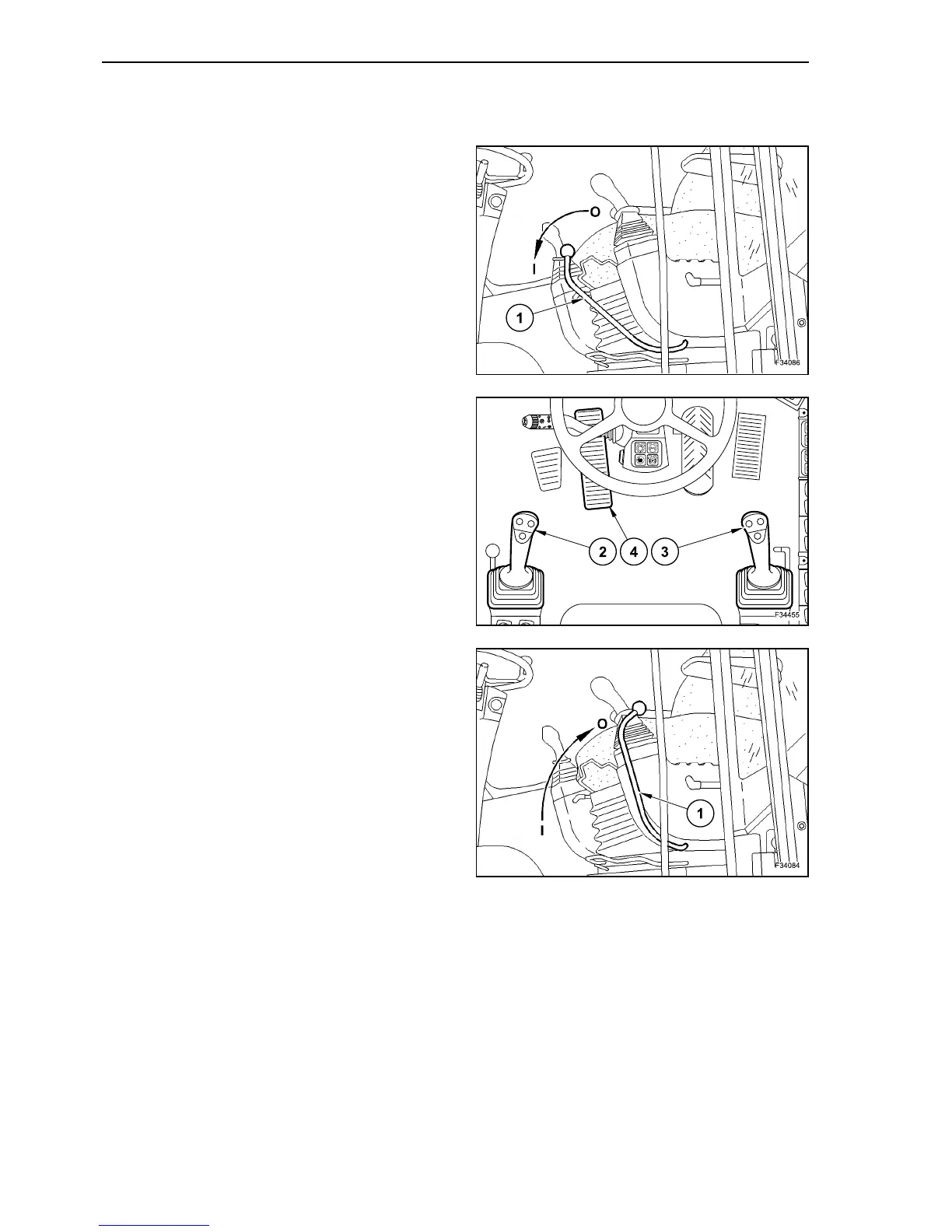
PILOT CONTROLS ACTIVATION/DEACTIVATION
Perform the activation with following operations:
Shift safety lever (1) to position “I”.
Now the electrical pilot control is activated; the
hydraulic control levers (2) and (3) as well as pedal
(4) are operational.
Deactivation is performed as following:
Move the safety lever (1) to position “0”. The pilot
control is now deactivated.
43
44
45



 To Next Page