OPERATING THE MACHINE
3-65
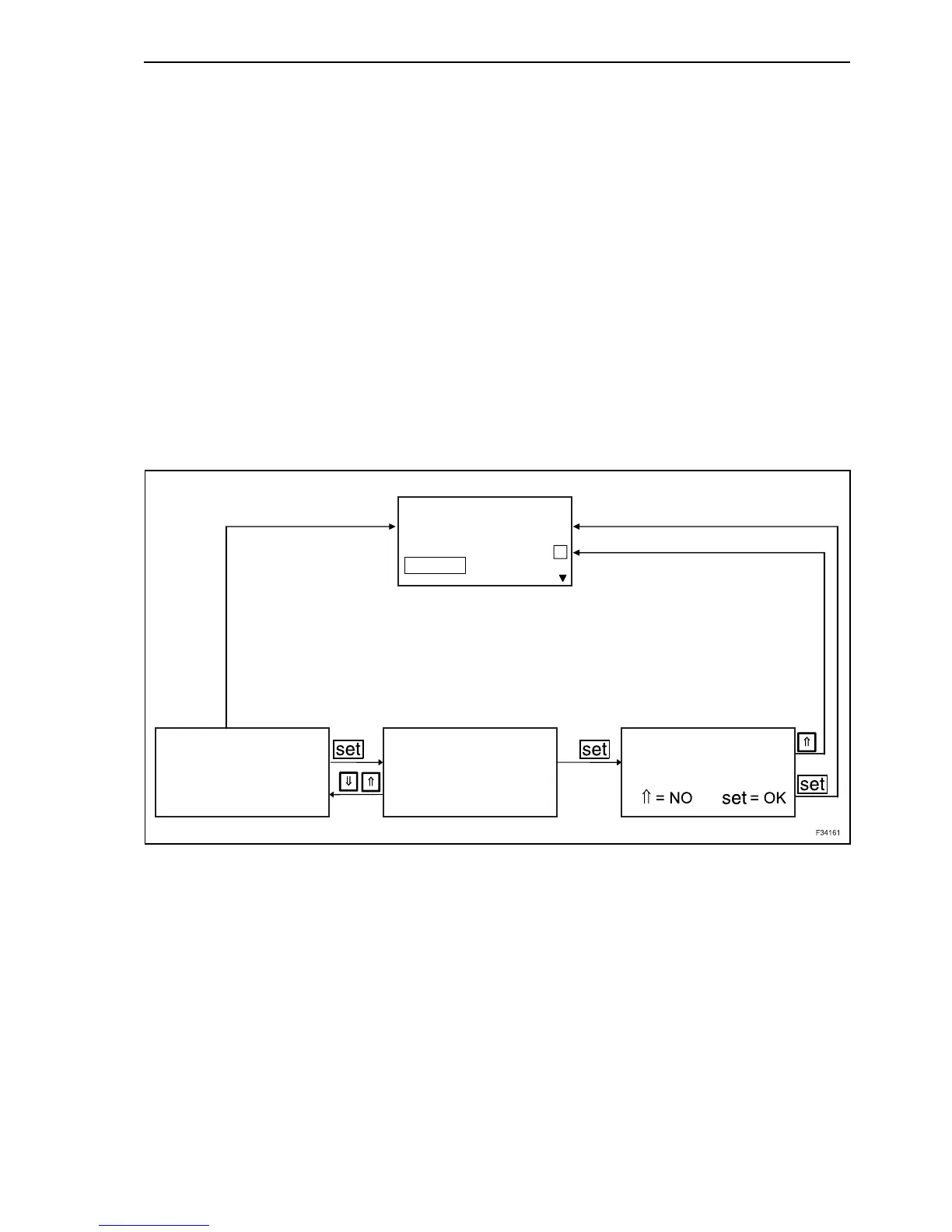
Position of the tens
By depressing button “set”, is highlighted with grey
background the first digit (tens position) for the
“OPENING”. By means of the arrow buttons you can
activate or deactivate this option and confirm the
selection with “set” button.
By confirming, the grey background sets to next
digit.
Position of the units
By means of the arrow buttons the digit can be mod-
ified, as described, and confirm the selection with
“set” button.
By confirming the units position, the first digit (tens
position) is highlighted on grey background for
“CLOSURE”. The setting procedure is repeated as
described.
When both digits for “CLOSURE” are confirmed,
you return to menu higher level.
A
50%
50%
50%
4x
50%
MACHINE
LEVELLING
BASIC SETTING
BUCKET
BUCKET SPEED BUCKET SPEED
OPENING:
CLOSING:
OPENING:
CLOSING:
Save changes?
91



 To Next Page