SECTION 4
4-86
REAR FLOODLAMPS
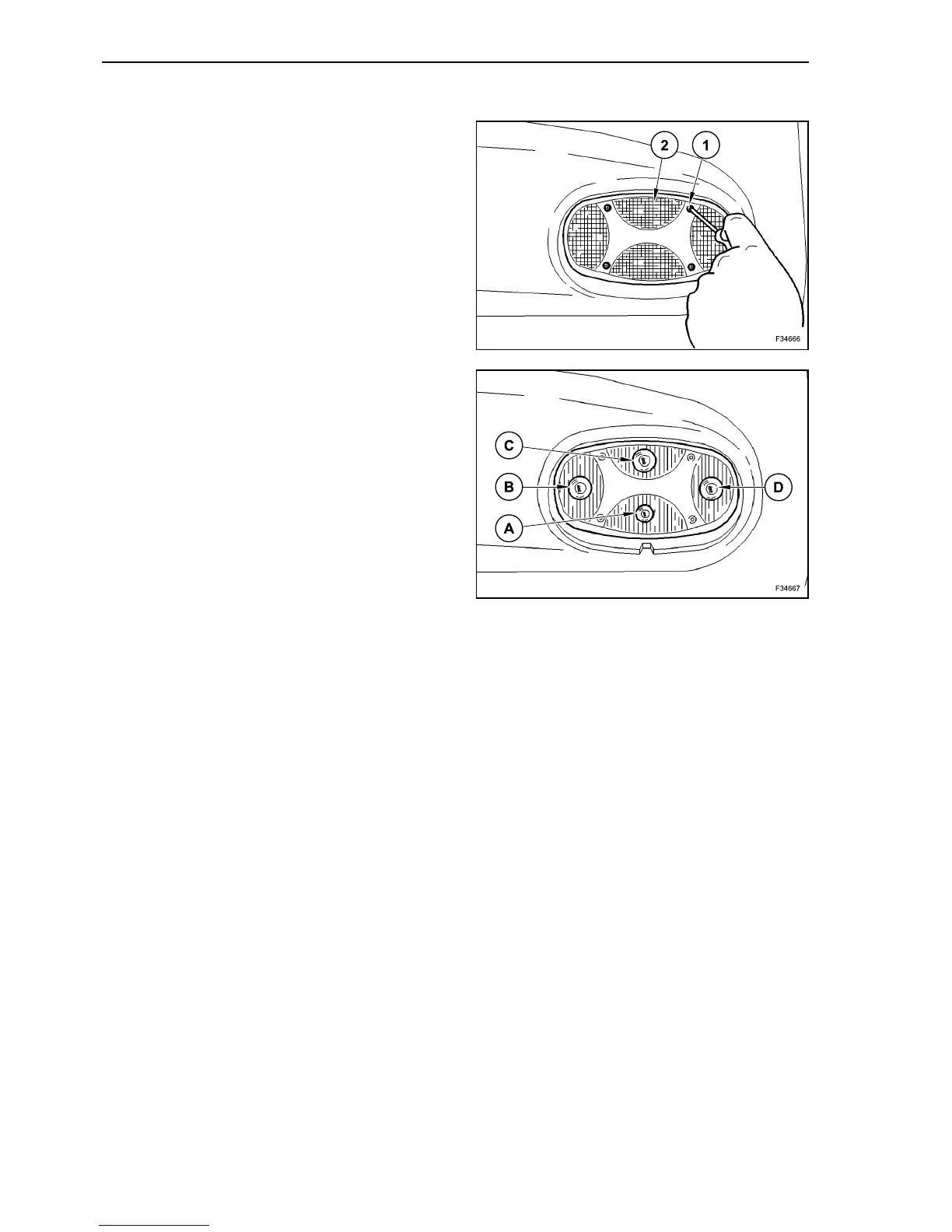
Unscrew the fastening screws (1) of the covering
glass (2) of the lamps.
Remove the covering glass (2) of the lamps.
The bulbs are fitted inside a plug-in bulb holder.
Press the bulb and turn it to the left.
Remove the bulb.
Insert and correctly block a new lamp into the bulb
holder.
Screw in the covering glass of the lamps.
A. Tail light
B. Rear fog lights
C. Turn lights
D. Stop light
129
130



 To Next Page