ASXPRESS PLUS Rapid Sample Introduction System Operator’s Manual
Chapter 13: Operating a CETAC Autosampler Using a Terminal Program
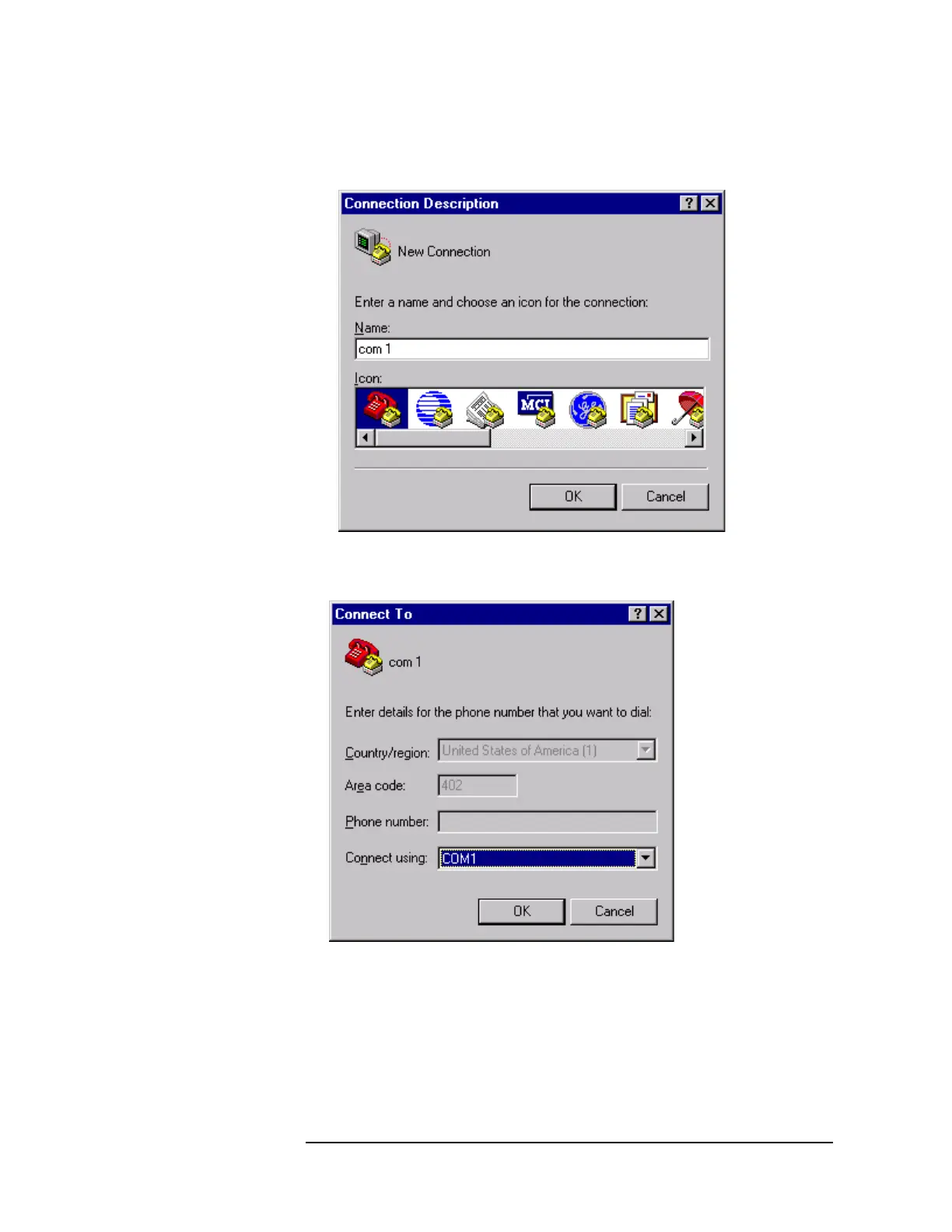
3 A window will appear as in Figure 13-6. Enter COM 1 in the name box. Press
the OK button.
Figure 13-6 “Connection Description” Window
4 In the Connect To window, set Connect Using to COM 1, then click OK.
Figure 13-7 “Connect To” Window
5 In the Properties window, set Bits per second to 9600 and Flow control to
None.



 To Next Page