ASXPRESS PLUS Rapid Sample Introduction System Operator’s Manual
Chapter 8: Installing the Software
88
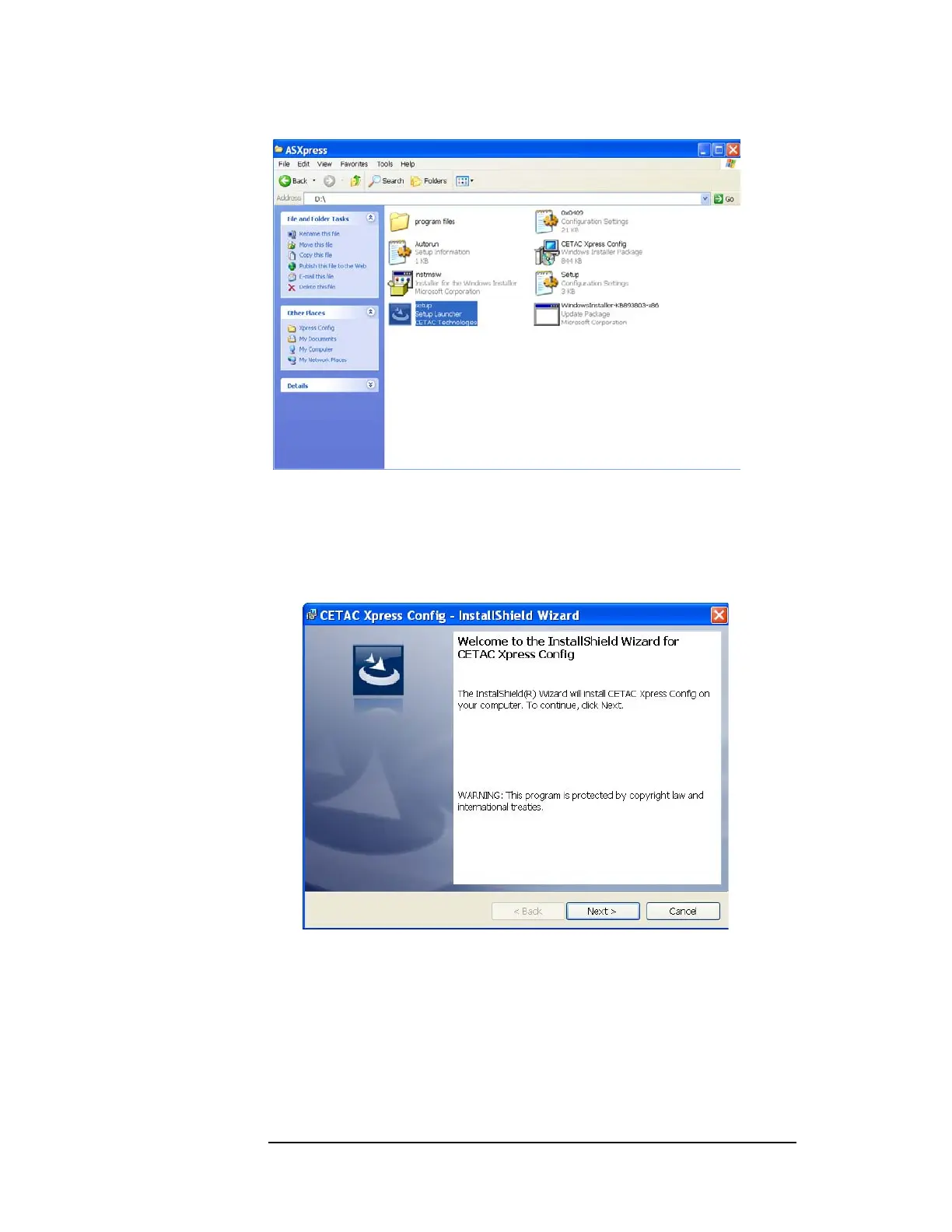
Figure 8-1 ASXPRESS PLUS Setup Launcher
Follow the prompts of the Installation Wizard to complete the installation of
the Xpress Configuration Tool software package as follows:
2 When the Xpress Config Installation Wizard window opens, click Next to begin
the software installation process (Figure 8-2).
Figure 8-2 Xpress Config Installation Wizard
3 Click “I accept the terms in the license agreement” if you agree, then click Next
(Figure 8-3).



 To Next Page