Mode l8500C/8500C+ Operators Manual
D-15
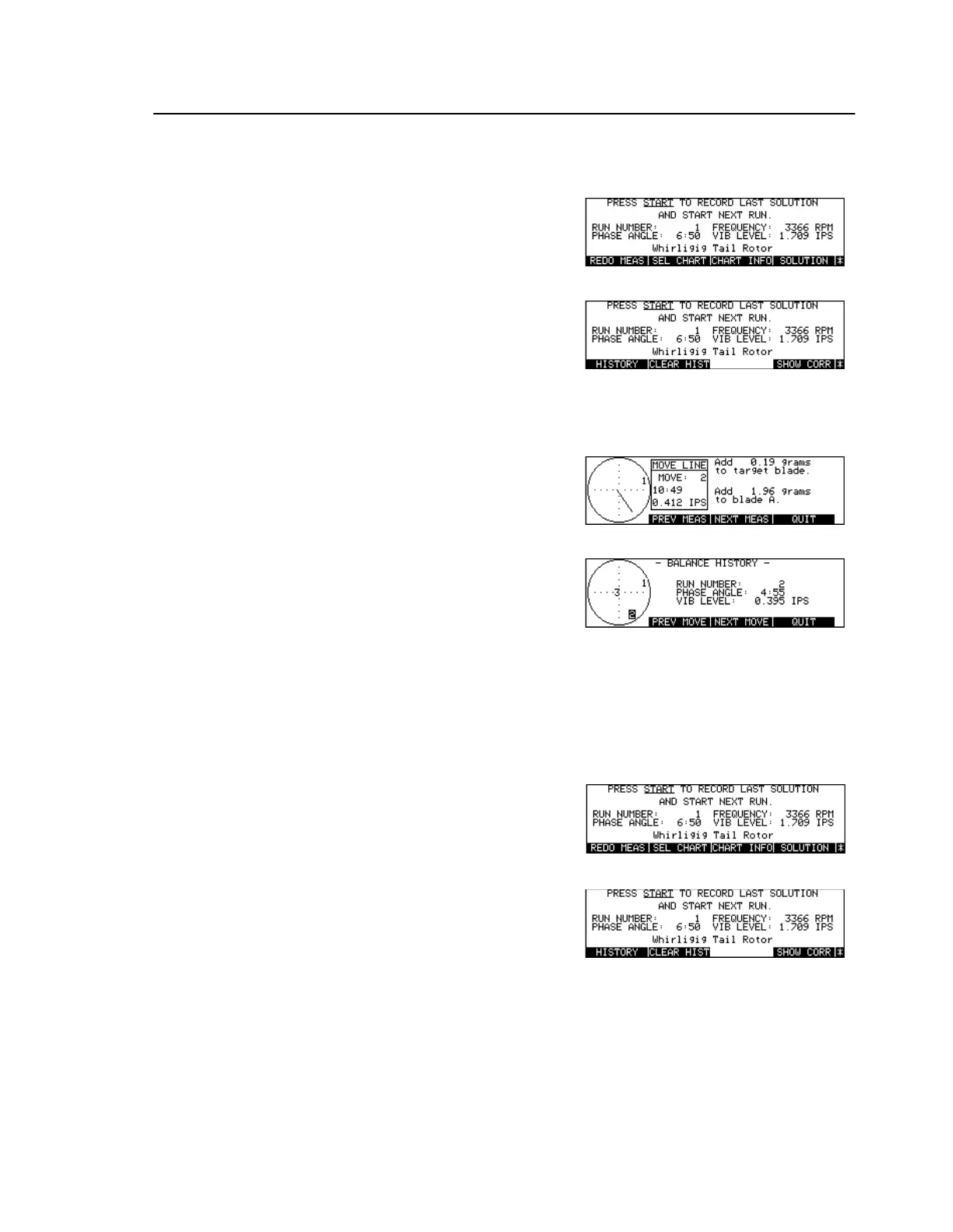
To View the Balance History
To Store Balance Histories
Press [Key:
Balance
]
Press [Key:
More Keys
]
Press [Key:
HISTOR
]
Display 1st Balance History
measurements screen
Press [Key:
NEXT MOVE
] or
[Key:
PREV MOVE
]
Press [Key:
NEXT MEAS
] or
[Key:
PREV MEAS
]
Press [Key:
QUIT
]
Quit Balance History display
Select destination [Key:
Status
]
Select disk or memory
Press [Key:
Balance
]
Press [Key:
More Keys
]
Press [Key:
HISTOR
]
Display 1st Balance History
measurements screen
Insert disk in disk drive
Write data to disk
Press [Key:
Store
]



 To Next Page