D-16
Chadwick-Helmuth Company, Inc.
Appendix D -
Quick Reference Guide
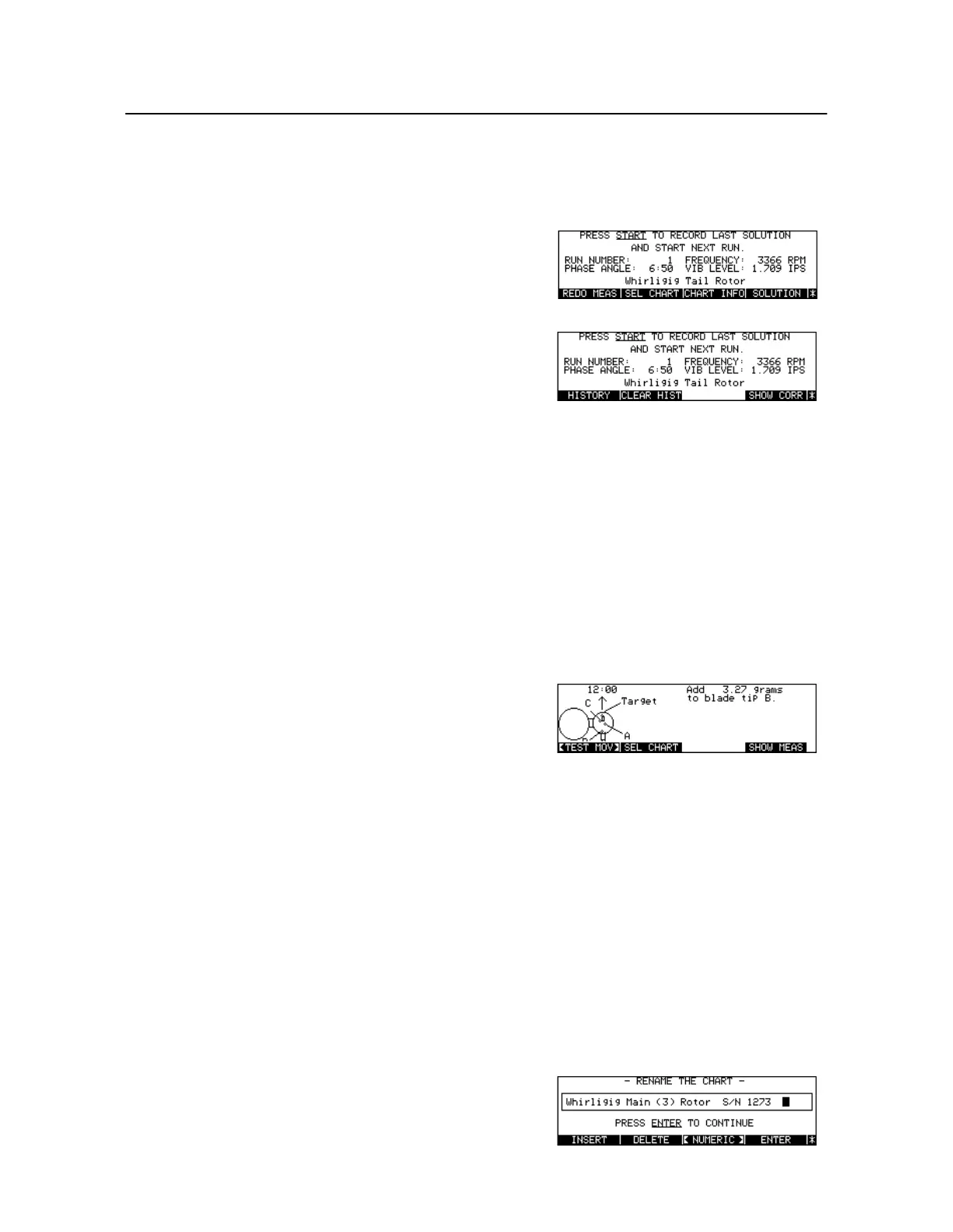
To Clear the Balance History
To Correct a Balance Chart
To Store a Correct a Balance Chart to Disk
Select destination [Key:
Status
]
Select disk or memory
Press [Key:
Balance
]
Press [Key:
More Keys
]
Press [Key:
CLEAR HIST
]
Display clear History warning
Press [Key:
CLEAR HIST
]
Clear History for current
Balance Chart
Perform Strobex/Mag Pickup/
Photocell balance measurement
Select alternate Test Move, if
required
Press [Key:
<NORML MV>
] /
[Key:
<TEST MOV>
]
Implement Test Move
Press [Key:
Start
]
OR
Accept move and begin next
run
Press [Key:
SHOW MEAS
]
Accept move and go to Balance
Run Startup screen
Correct the Balance Chart
Press [Key:
SEL CHART
]
Display Chart selection menu
Press [Key:
Store
]
Store Chart to disk
Edit Chart Name



 To Next Page