Using the Internet Wizard
110 Check Point UTM-1 Edge User Guide
1) Click Search by country and ISP.
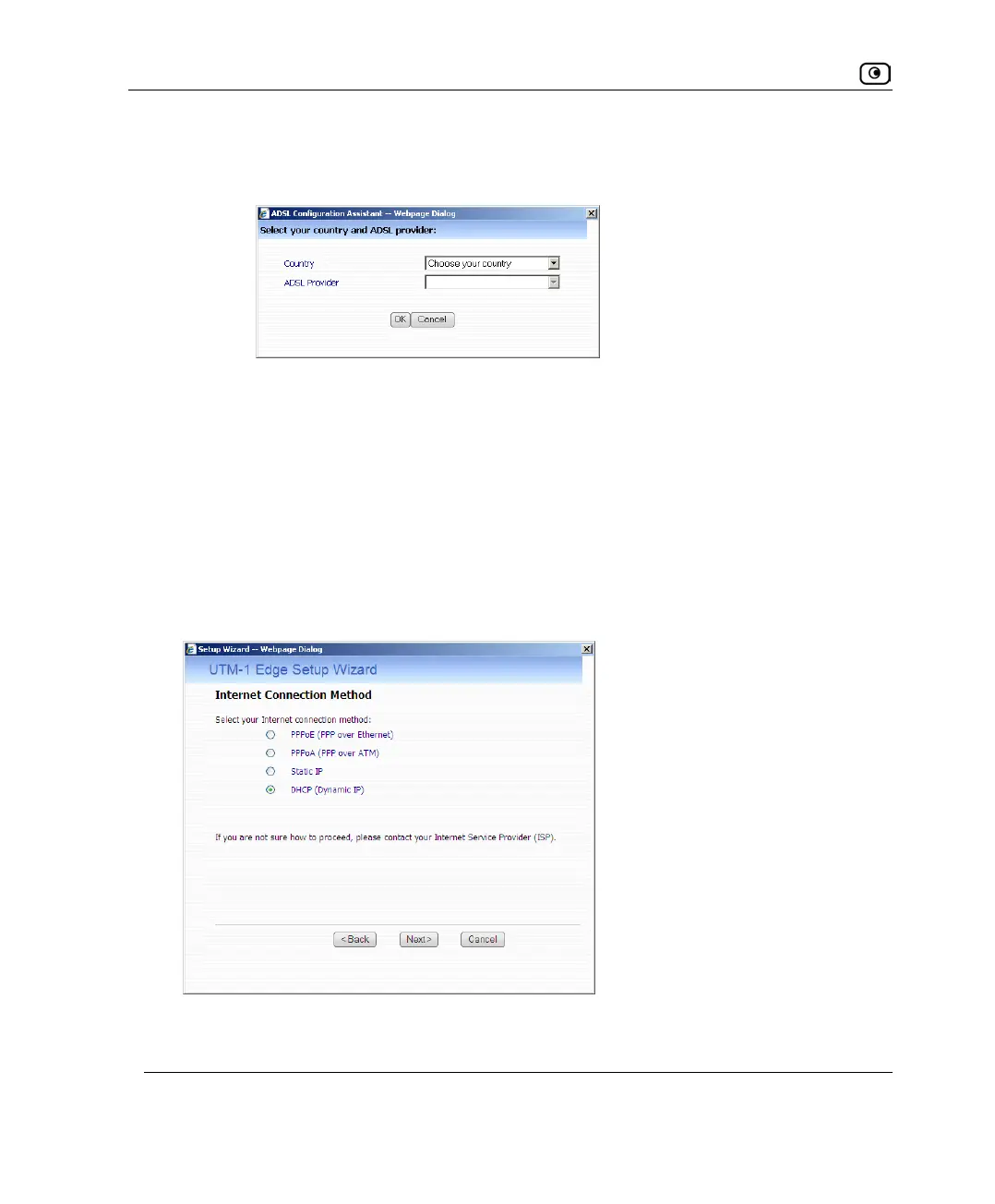
The ADSL Configuration Assistant opens.
2) In the Country drop-down list, select your country.
3) In the ISP / Telco drop-down list, select your ISP or telephone
company.
The ADSL Configuration Assistant closes, and the fields are filled in with the
correct values for your ISP.
• To manually fill in the supported ADSL settings for your ISP, complete the
fields using the information in the following table.
6. Click Next.
The Internet Connection Method dialog box appears.















 To Next Page