Using the Internet Wizard
Chapter 5: Configuring the Internet Connection 109
Configuring a Direct ADSL Connection
To configure a direct ADSL connection
1. Click Network in the main menu, and click the Internet tab.
The Internet page appears.
2. Click Internet Wizard.
The Internet Wizard opens with the Welcome page displayed.
3. Click Next.
The Internet Connection Port dialog box appears.
4. Click Use the ADSL port.
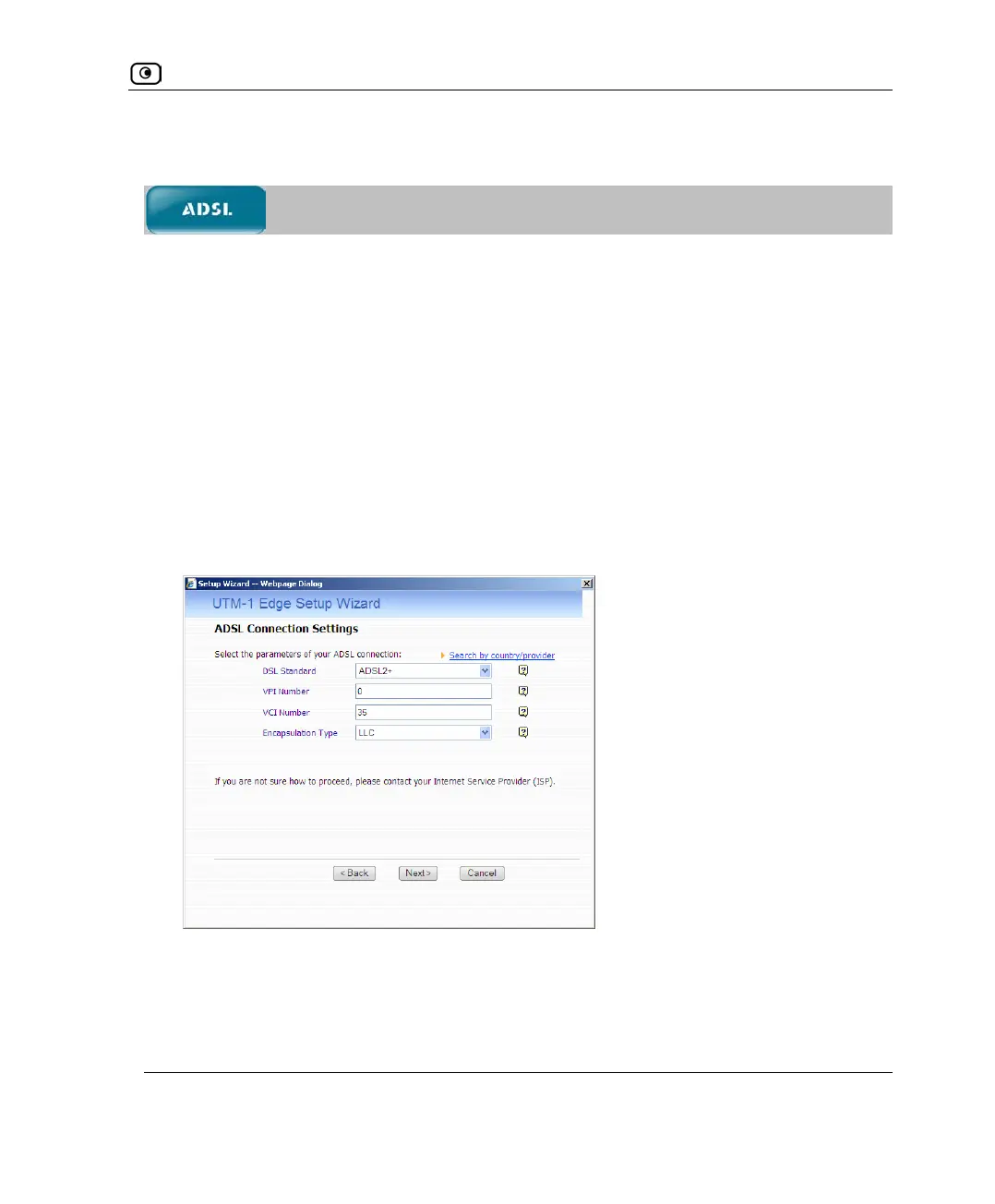
The ADSL Connection Settings dialog box appears.
5. Do one of the following:
• To automatically fill in the supported ADSL settings for your ISP, do the
following:















 To Next Page