Using the Internet Wizard
108 Check Point UTM-1 Edge User Guide
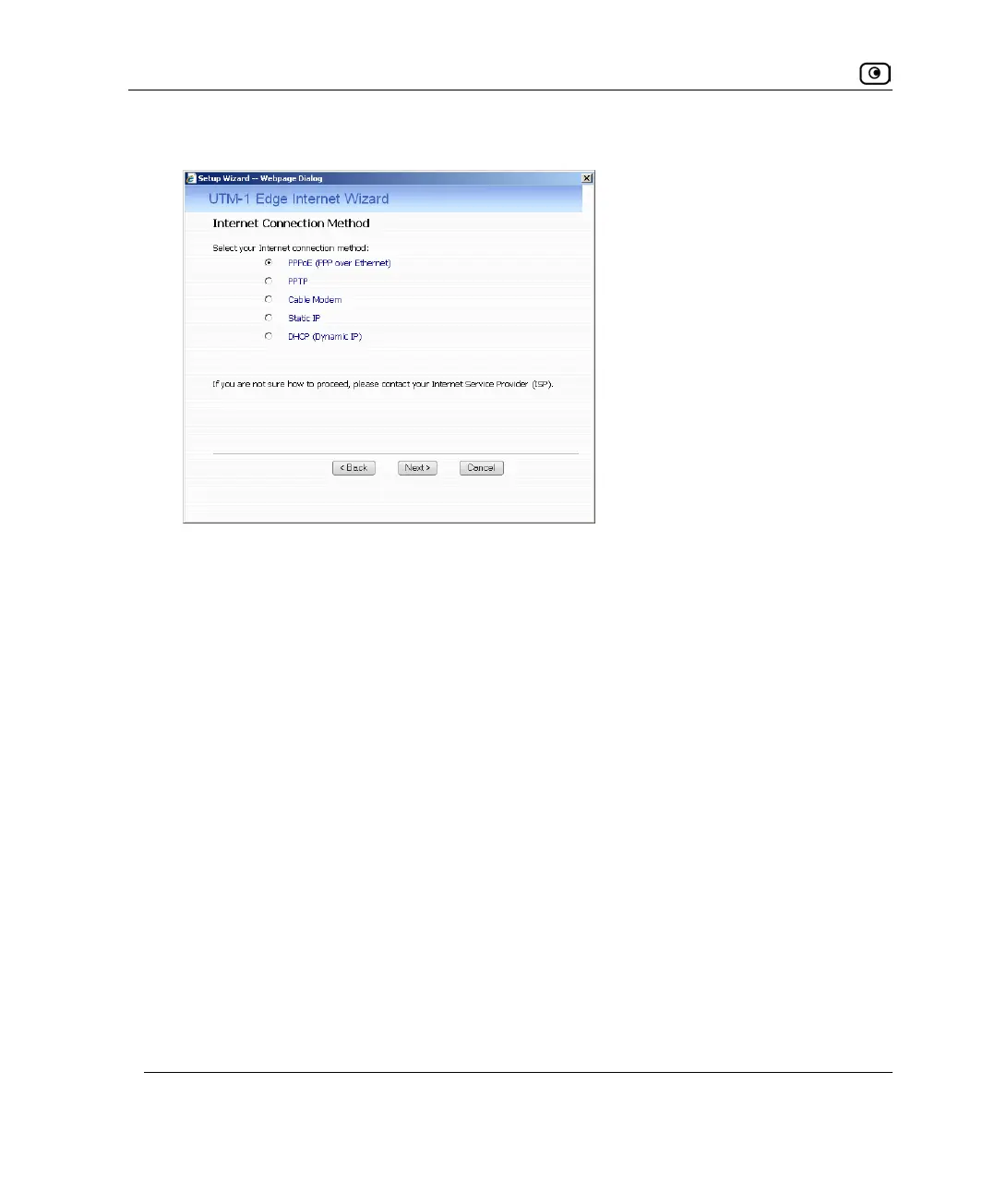
The Internet Connection Method dialog box appears.
6. Select the Internet connection method you want to use for connecting to the
Internet.
7. Click Next.
If you chose PPPoE, continue at Using a PPPoE Connection on page
101.
If you chose PPTP, continue at Using a PPTP Connection on page
103.
If you chose Cable Modem, continue at Using a Cable Modem Connection on page
104.
If you chose Static IP, continue at Using a Static IP Connection on page
105.
If you chose DHCP, continue at Using a DHCP Connection on page
106.















 To Next Page