Using Internet Setup
136 Check Point UTM-1 Edge User Guide
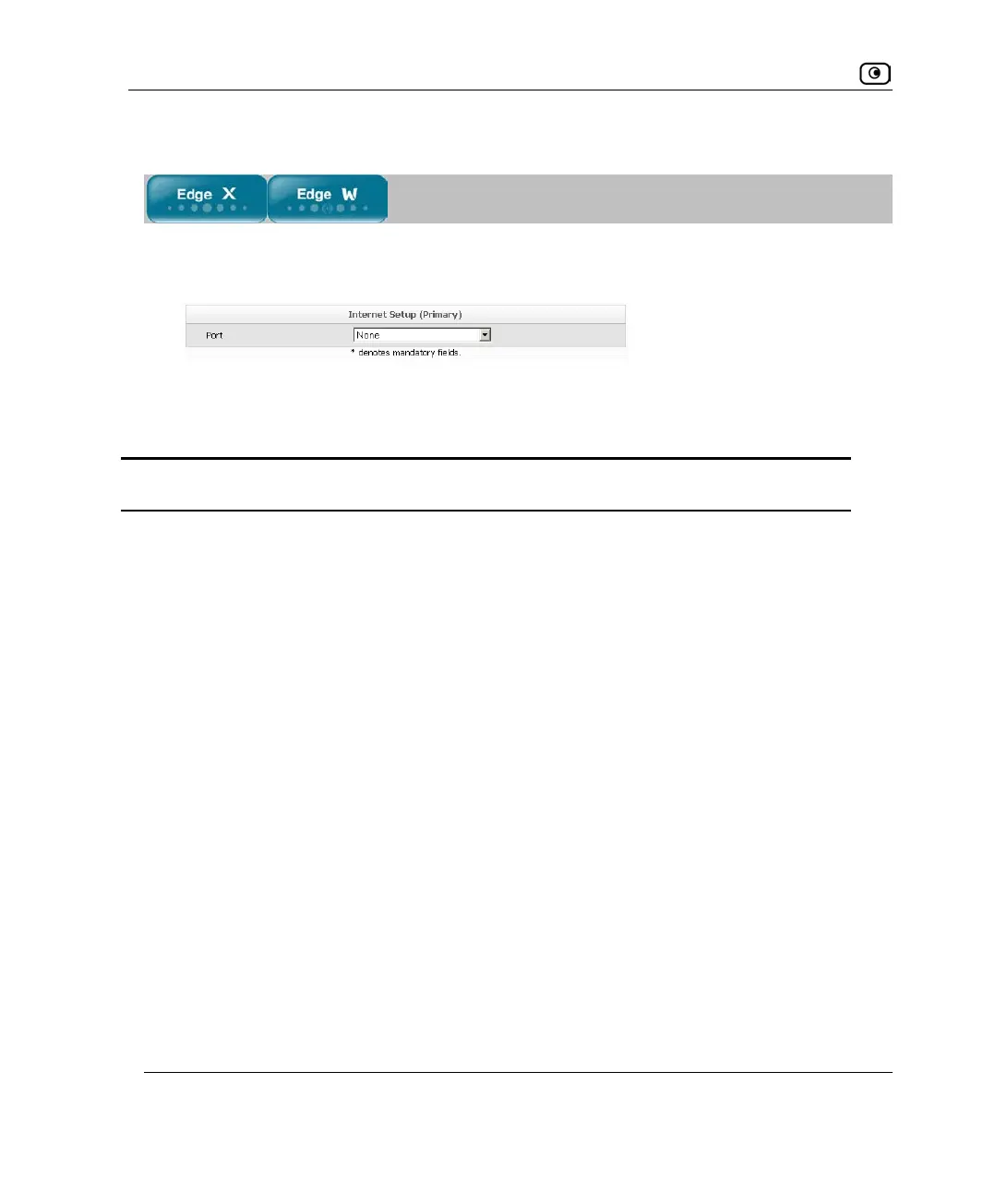
Configuring No Connection
1. In the Port drop-down list, select None.
The fields disappear.
2. Click Apply.
Table 28: Internet Setup Fields
In this field… Do this…
ADSL Link Settings
DSL Standard Select the standard to support for the DSL line, as specified by your ISP.
VPI Number Type the VPI number to use for the ATM virtual path, as specified by
your ISP.
VCI Number Type the VCI number to use for the ATM virtual circuit, as specified by
your ISP.
Encapsulation
Type
Select the encapsulation type to use for the DSL line, as specified by
your ISP.
PPP Settings
Username Type your user name.
Password Type your password.
Confirm password Type your password.















 To Next Page