Configuring Network Settings
160 Check Point UTM-1 Edge User Guide
Configuring the LAN Network
To configure the LAN network
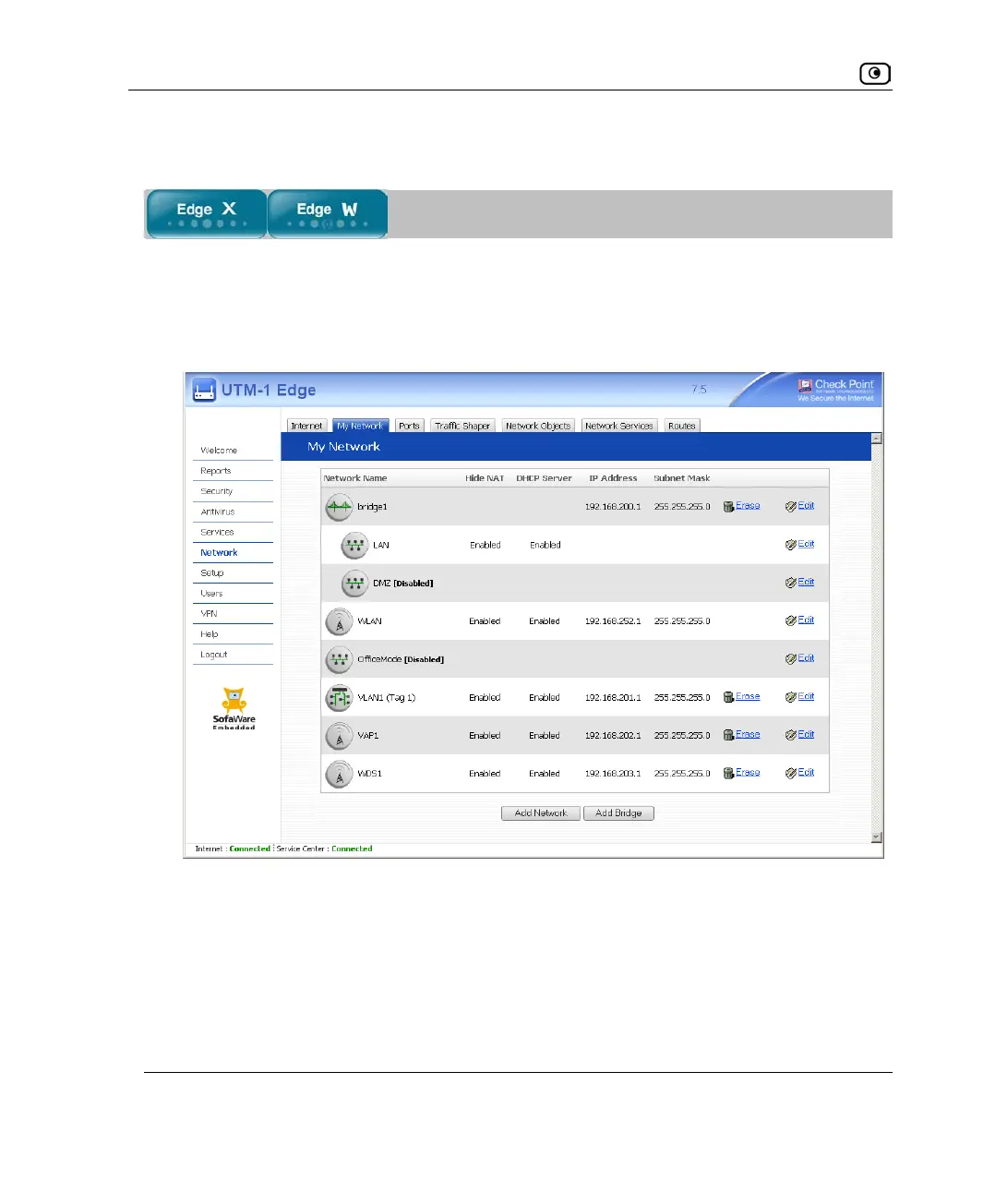
1. Click Network in the main menu, and click the My Network tab.
The My Network page appears.
2. Click Edit in the LAN network’s row.















 To Next Page