Configuring Network Settings
168 Check Point UTM-1 Edge User Guide
Configuring DHCP Relay
You can configure DHCP relay for internal networks.
Note: DHCP relay will not work if the appliance is located behind a NAT device.
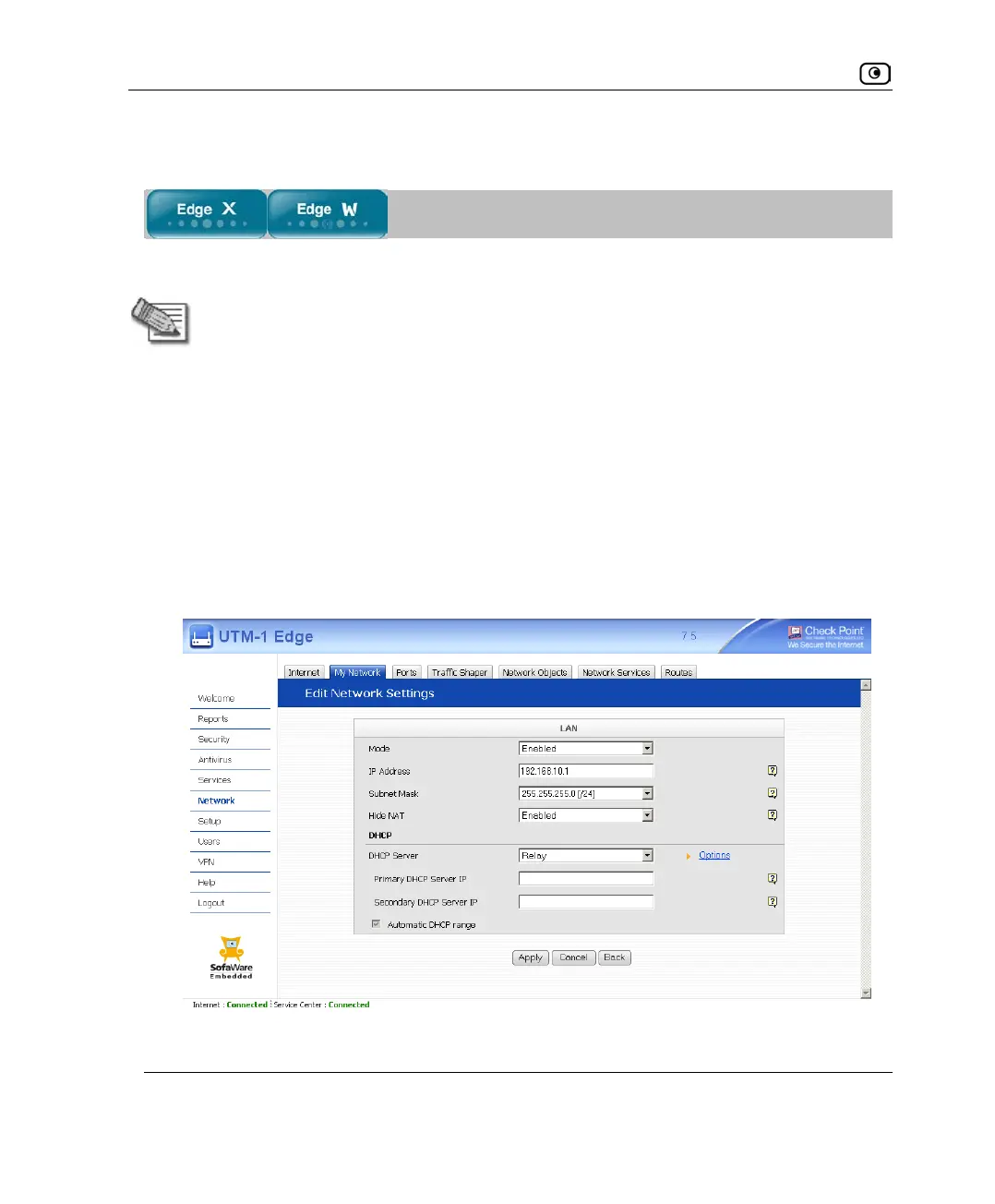
To configure DHCP relay
1. Click Network in the main menu, and click the My Network tab.
The My Network page appears.
2. In the desired network's row, click Edit.
The Edit Network Settings page appears.
3. In the DHCP Server list, select Relay.
The Automatic DHCP range check box is disabled, and new fields appear.















 To Next Page