Configuring Network Settings
Chapter 6: Managing Your Network 167
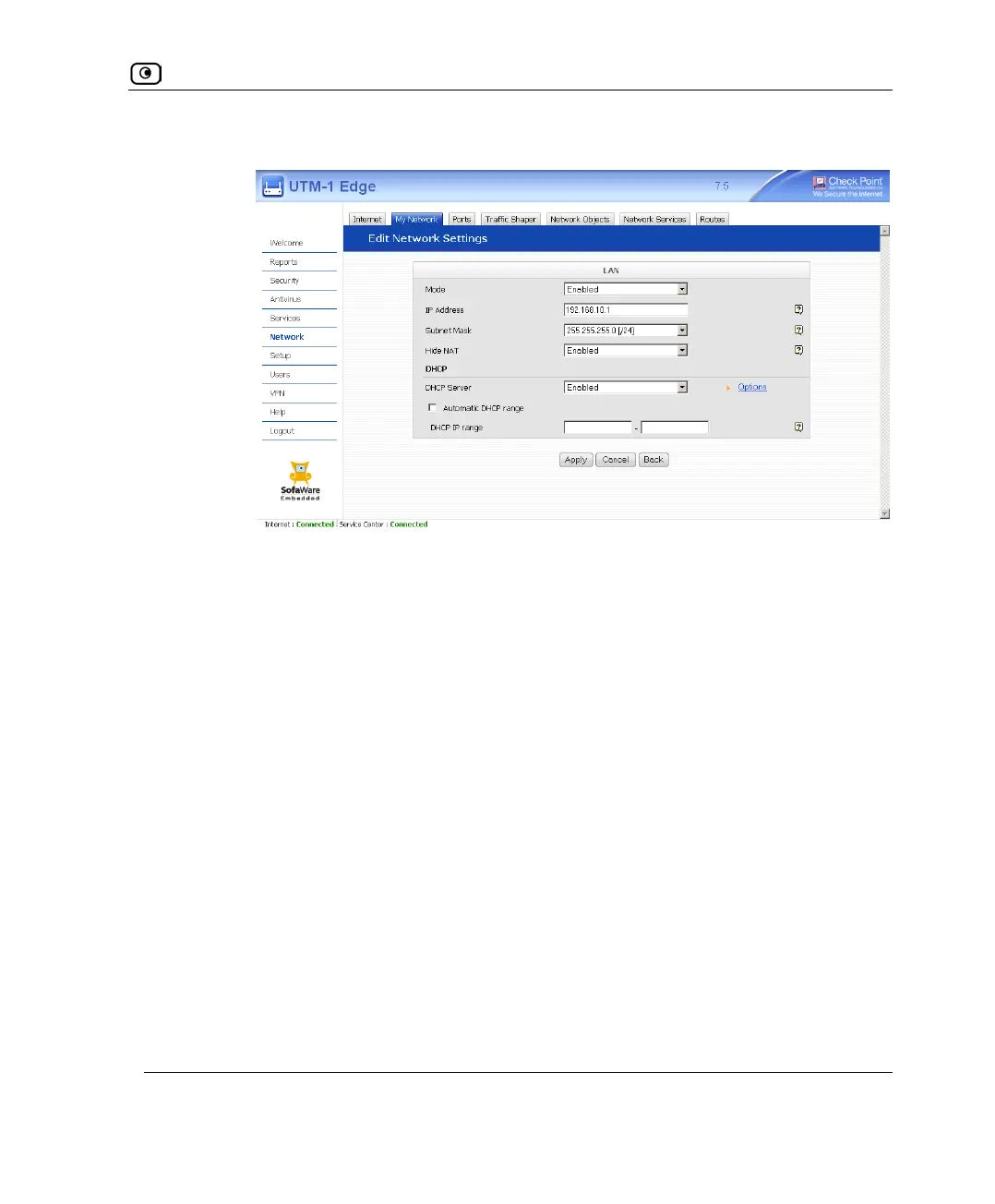
The DHCP IP range fields appear.
2) In the DHCP IP range fields, type the desired DHCP range.
4. Click Apply.
A warning message appears.
5. Click OK.
A success message appears
6. If your computer is configured to obtain its IP address automatically (using
DHCP), and either the UTM-1 DHCP server or another DHCP server is
enabled, restart your computer.
Your computer obtains an IP address in the new DHCP address range.















 To Next Page