Configuring Network Service Objects
200 Check Point UTM-1 Edge User Guide
2. Do one of the following:
• To add a network service object, click New.
• To edit an existing network service object, click Edit next to the desired object
in the list.
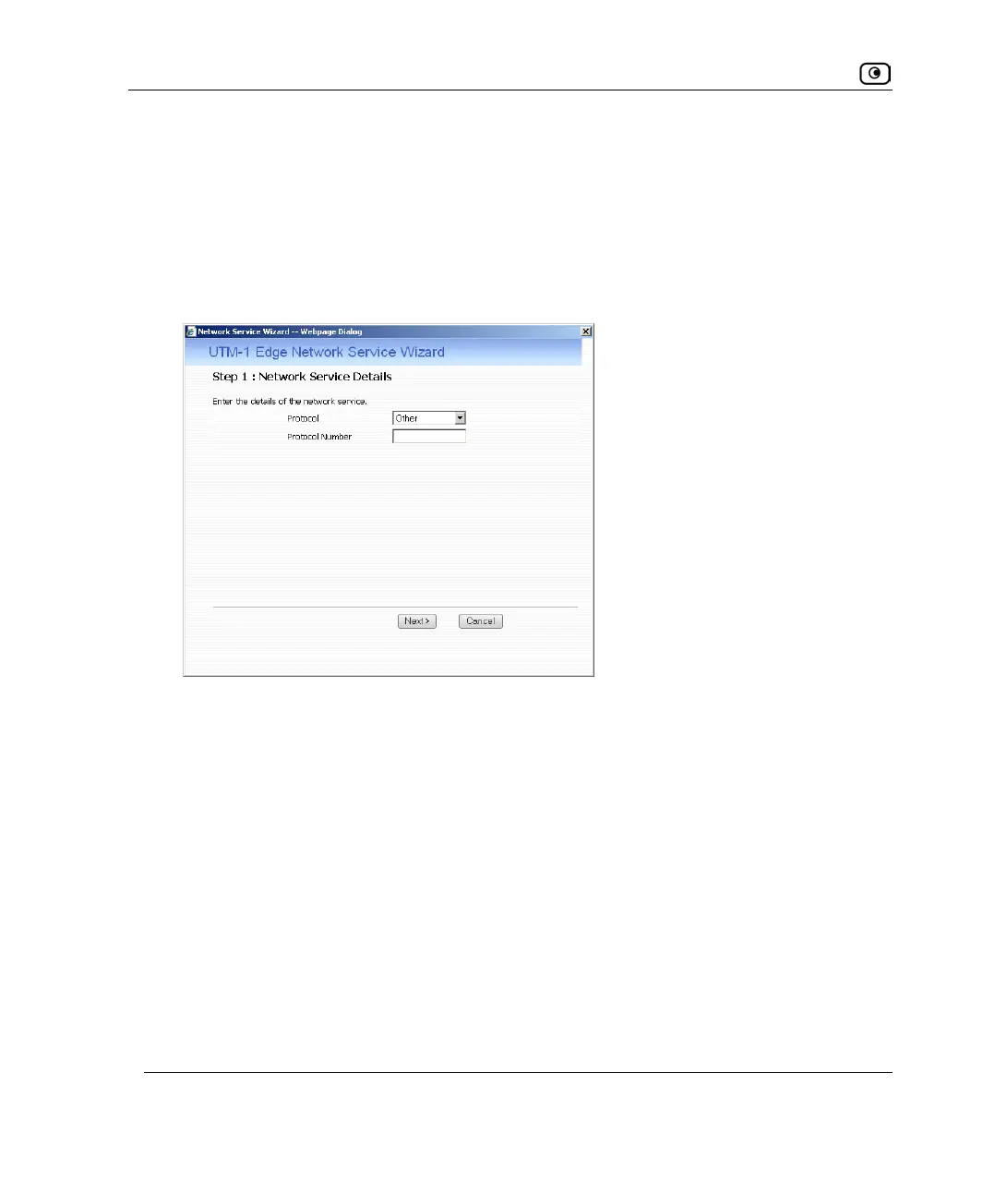
The UTM-1 Network Service Wizard opens, with the Step 1: Network Service Details
dialog box displayed.
3. Complete the fields using the information in the table below.
4. Click Next.















 To Next Page