Configuring Network Service Objects
Chapter 6: Managing Your Network 201
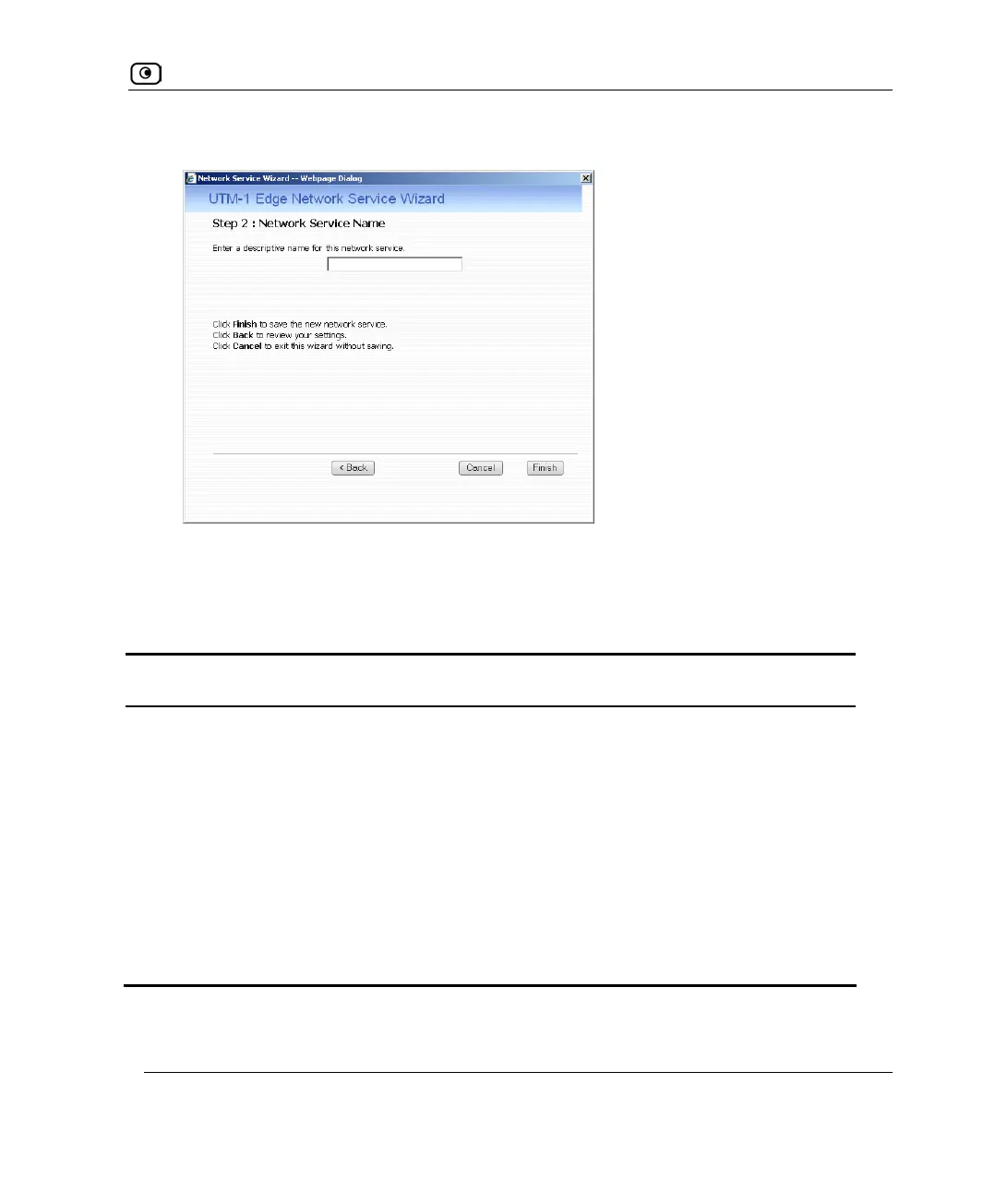
The Step 2: Network Service Name dialog box appears.
5. Type a name for the network service object in the field.
6. Click Finish.
Table 36: Network Service Fields
In this field… Do this…
Protocol Select the network service's IP protocol.
If you select Other, the Protocol Number field appears. If you select TCP
or UDP, the Port Ranges field appears.
Protocol Number Type the number of the network service's IP protocol.
Port Ranges Type the network service's port or port ranges.
Multiple ports or port ranges must be separated by commas. For
example: "1000-1003,2000-2001,2005".















 To Next Page