Configuring Wireless Networks
274 Check Point UTM-1 Edge User Guide
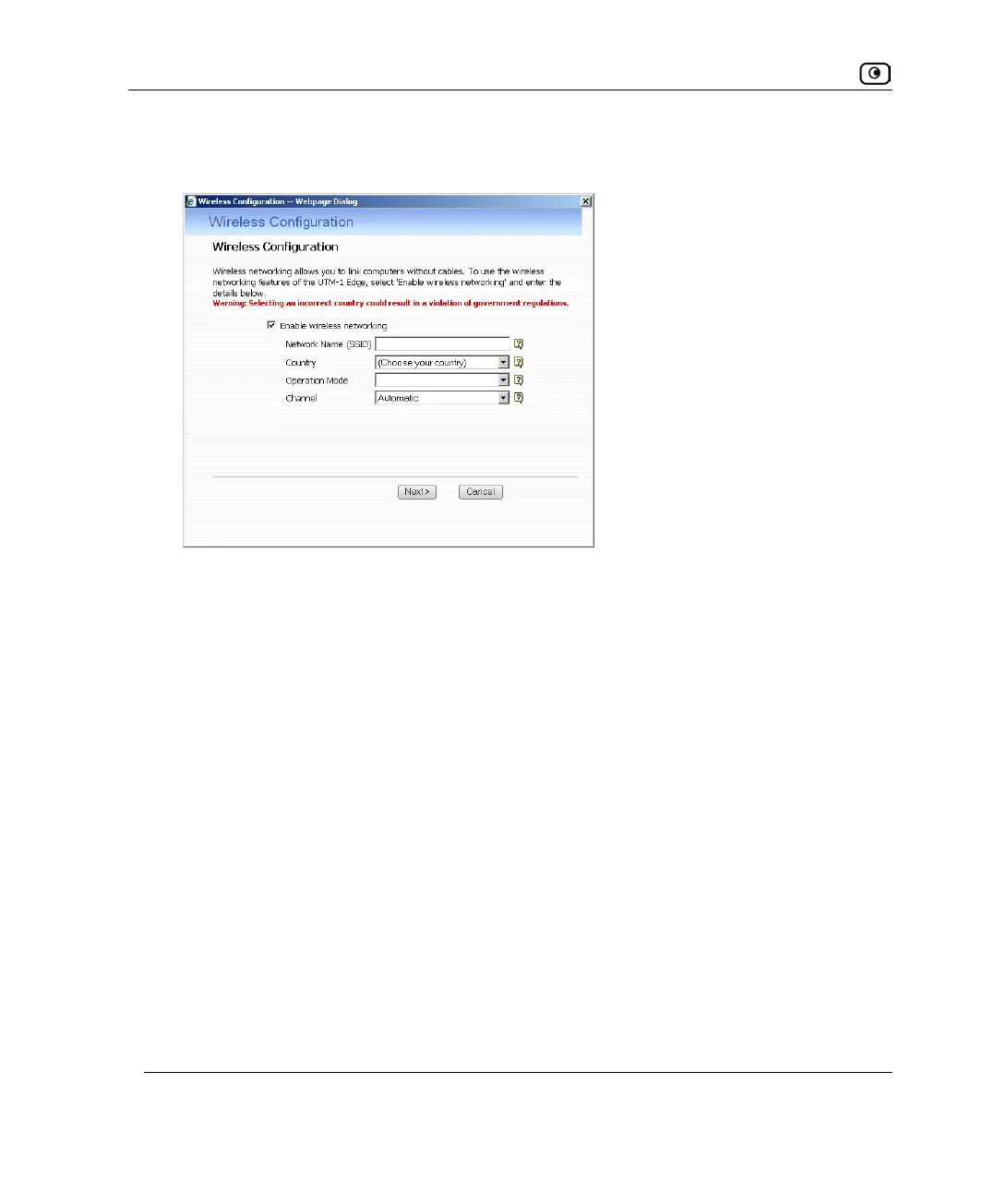
The Wireless Configuration Wizard opens, with the Wireless Configuration dialog box
displayed.
5. Select the Enable wireless networking check box to enable the primary WLAN.
The fields are enabled.
6. Complete the fields using the information in Basic WLAN Settings Fields on
page
284.
7. Click Next.















 To Next Page