Configuring Wireless Networks
Chapter 10: Working with Wireless Networks 275
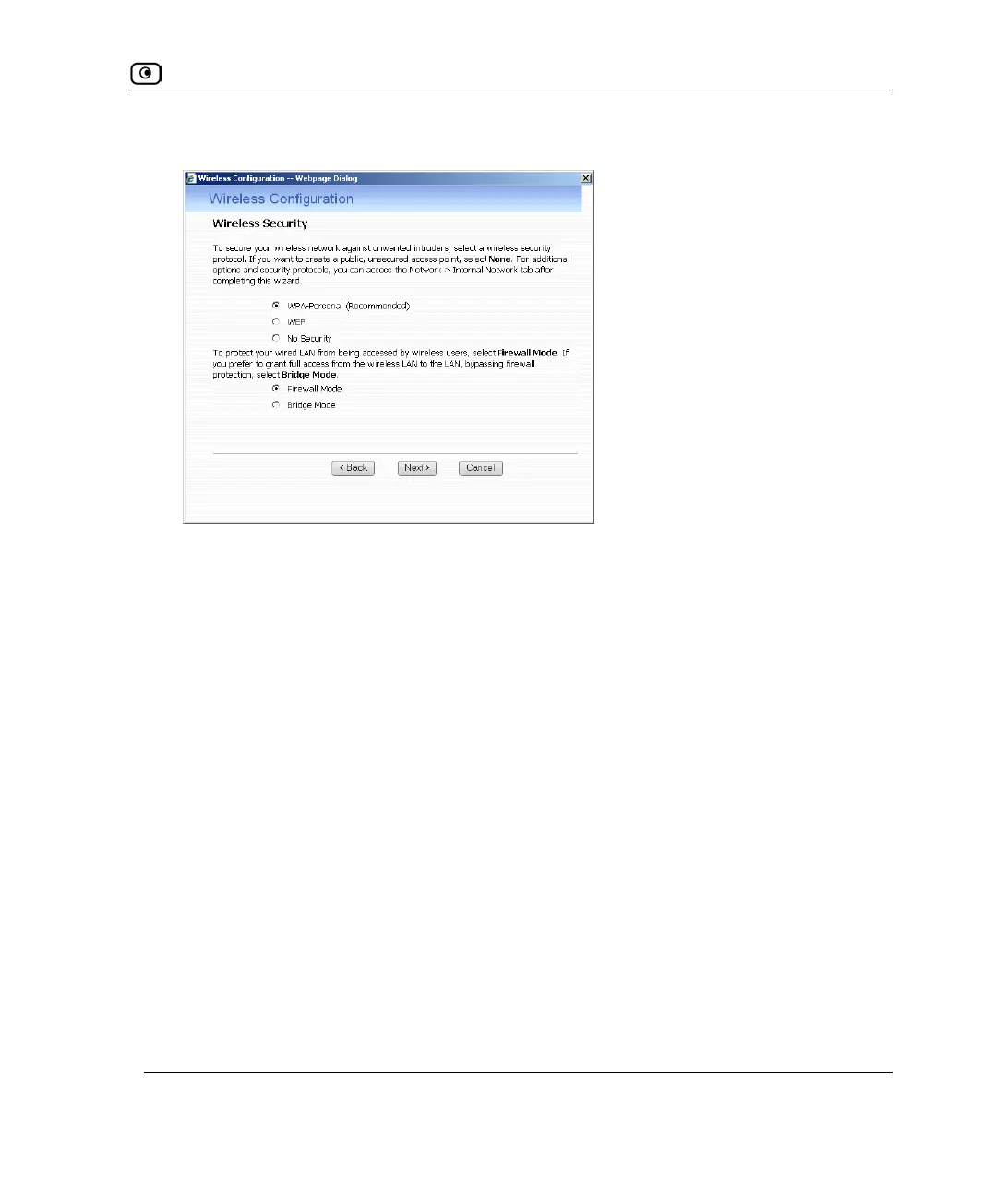
8. The Wireless Security dialog box appears.
9. Do one of the following:
• Click WPA-Personal to use the WPA-Personal security mode.
WPA-Personal (also called WPA-PSK) uses a passphrase for authentication. This
method is recommended for small, private wireless networks, which want to
authenticate and encrypt wireless data but do not want to install a RADIUS
server. Both WPA and the newer, more secure WPA2 (802.11i) will be accepted.
To allow only the more secure WPA2 and not WPA, see Manually Configuring
a WLAN on page
280. For larger wireless networks with many users, configure
the primary WLAN to use WPA-Enterprise, using the procedure Manually
Configuring a WLAN on page
280.
• Click WEP to use the WEP security mode.
Using WEP, wireless stations must use a pre-shared key to connect to your
network. WEP is widely known to be insecure, and is supported mainly for
compatibility with existing networks and stations that do not support other
methods.
• Click No Security to use no security to create a public, unsecured access point.















 To Next Page