Using Secure HotSpot
354 Check Point UTM-1 Edge User Guide
Enabling/Disabling Secure HotSpot
To enable/disable Secure HotSpot
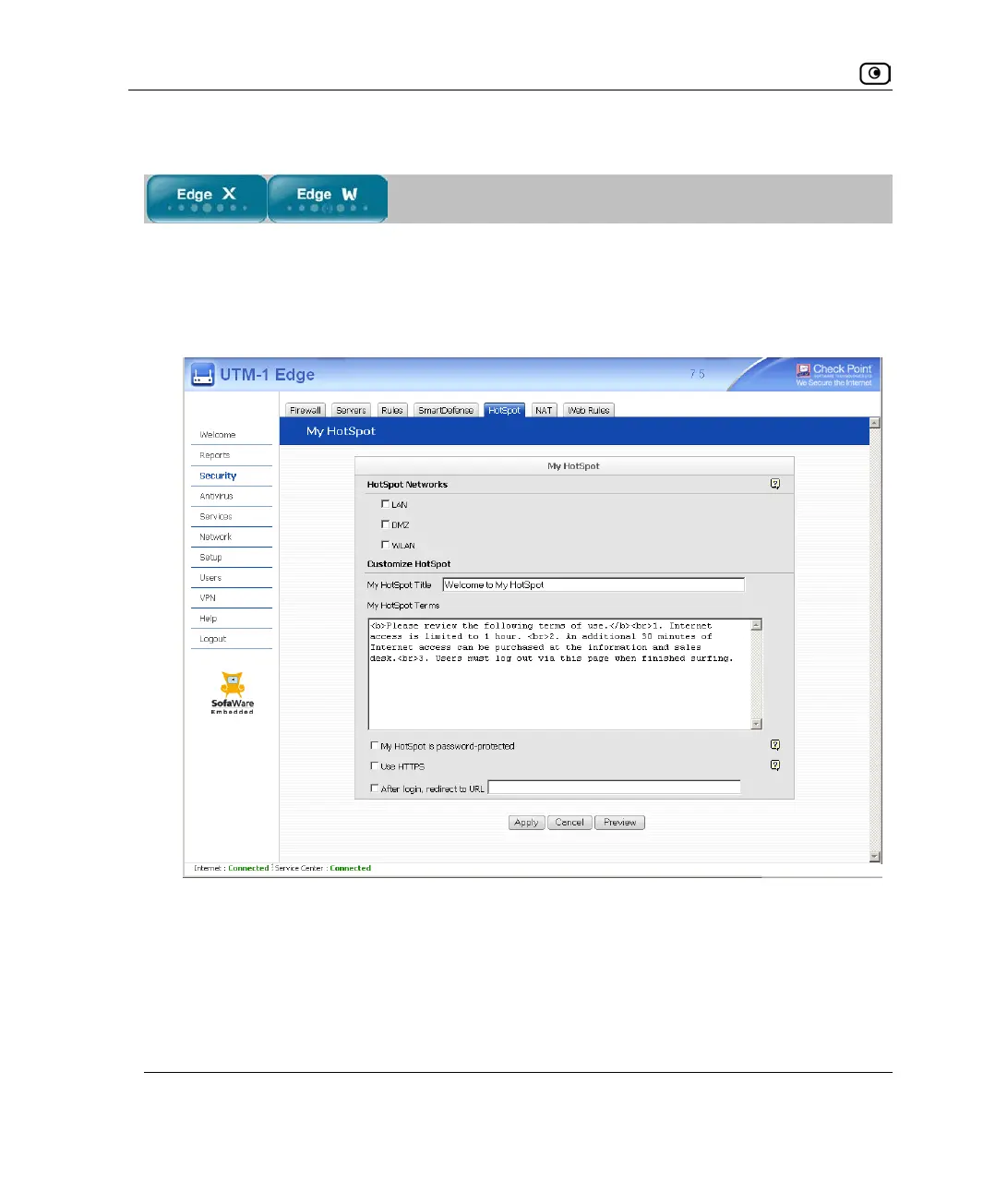
1. Click Security in the main menu, and click the HotSpot tab.
The My HotSpot page appears.
2. In the HotSpot Networks area, do one of the following:
• To enable Secure HotSpot for a specific network, select the check box next to
the network.
• To disable Secure HotSpot for a specific network, clear the check box next to
the network.















 To Next Page