Using Secure HotSpot
Chapter 12: Setting Your Security Policy 355
3. Click Apply.
Customizing Secure HotSpot
To customize Secure HotSpot
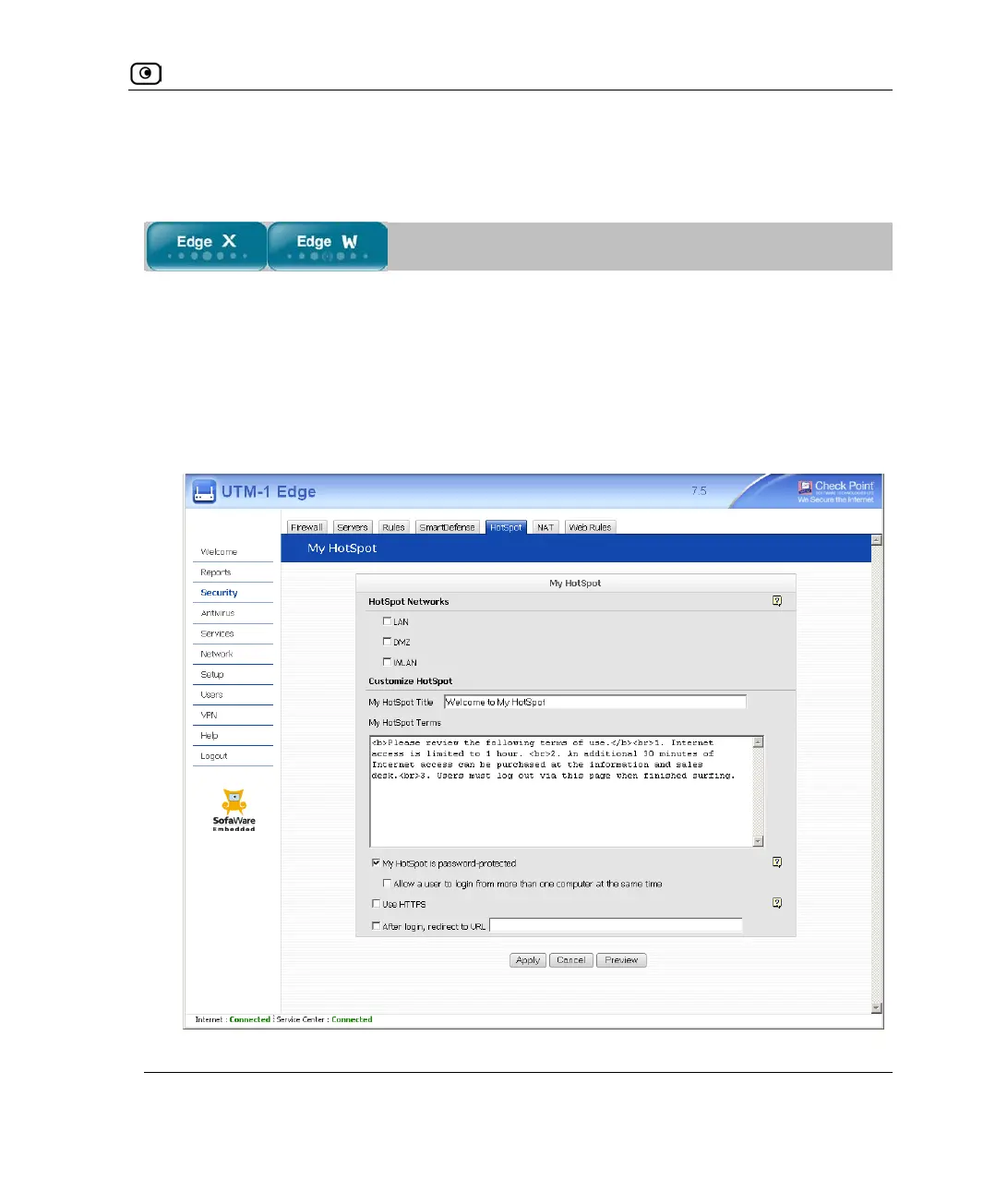
1. Click Security in the main menu, and click the HotSpot tab.
The My HotSpot page appears.
2. Complete the fields using the information in the following table.
Additional fields may appear.















 To Next Page