Configuring SmartDefense
Chapter 13: Using SmartDefense 381
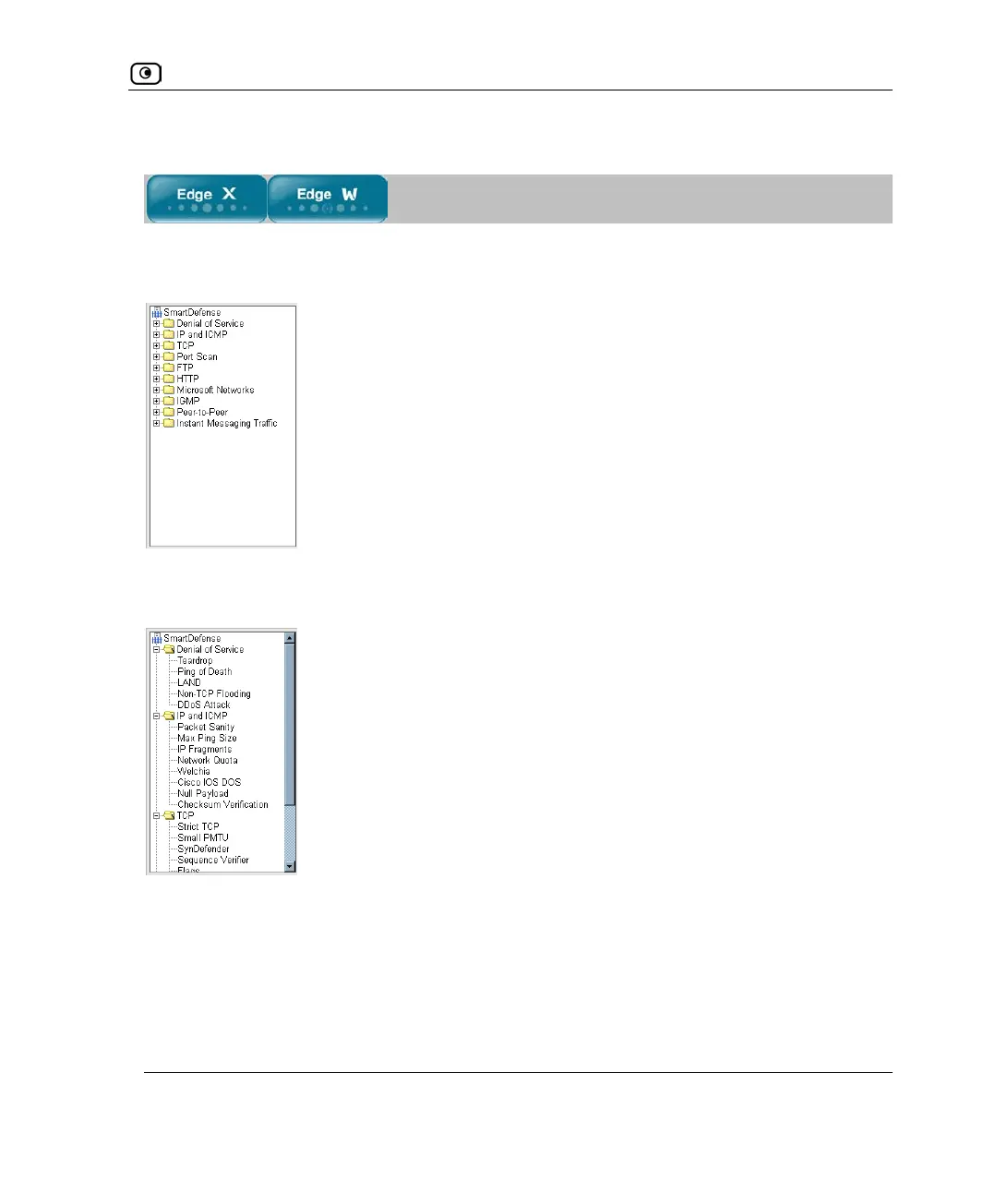
Using the SmartDefense Tree
For convenience, SmartDefense is organized as a tree, in which each branch represents a
category of settings.
When a category is expanded, the settings it contains appear as nodes. For information on
each category and the nodes it contains, see SmartDefense Categories on page
383.
Each node represents an attack type, a sanity check, or a protocol or service that is
vulnerable to attacks. To control how SmartDefense handles a specific attack, you must
configure the relevant node's settings.















 To Next Page