SmartDefense Categories
412 Check Point UTM-1 Edge User Guide
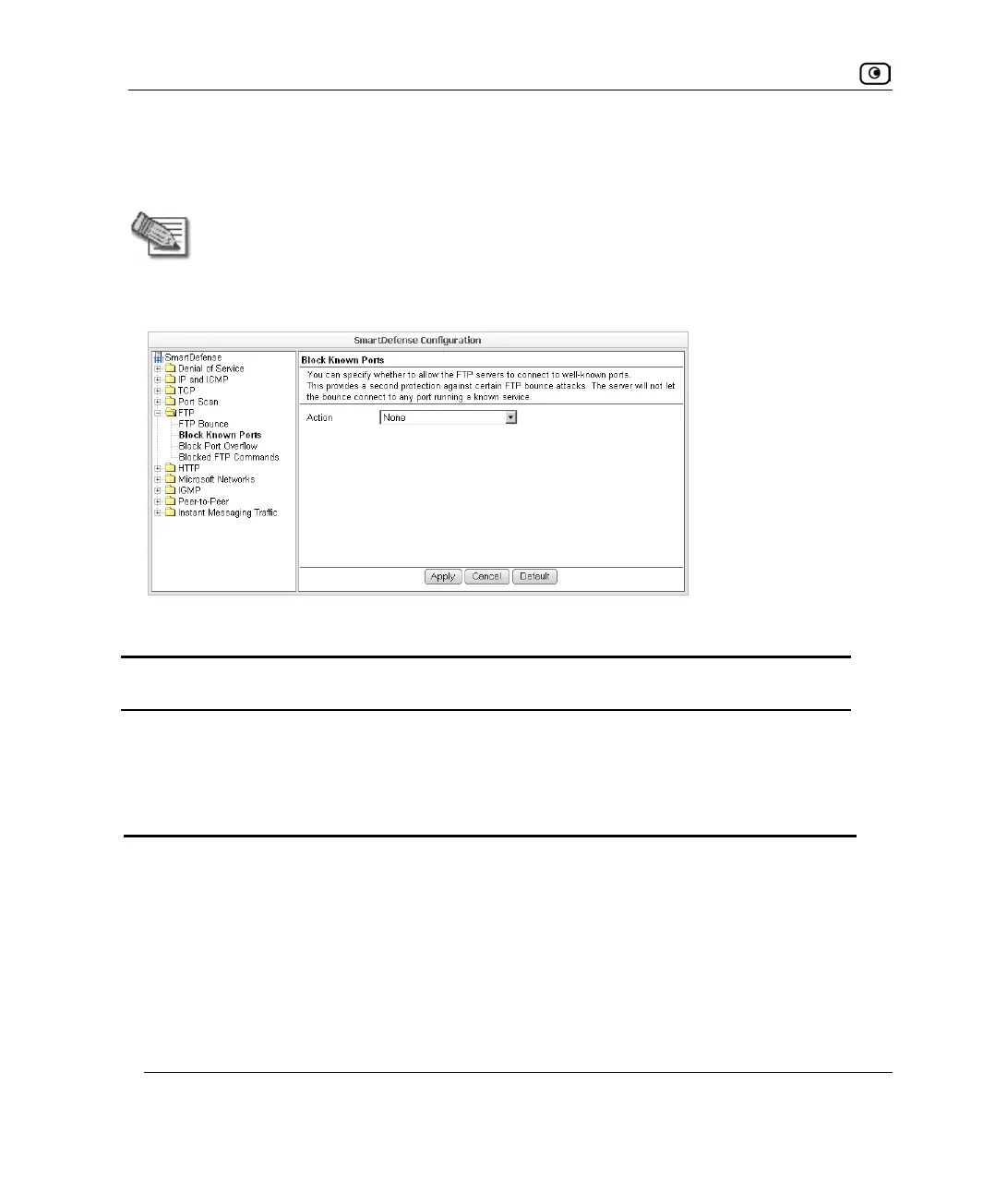
Block Known Ports
You can choose to block the FTP server from connecting to well-known ports.
Note: Known ports are published ports associated with services (for example, SMTP
is port 25).
This provides a second layer of protection against FTP bounce attacks, by preventing such
attacks from reaching well-known ports.
Table 88: Block Known Ports Fields
In this field… Do this…
Action Specify what action to take when the FTP server attempts to connect to a
well-known port, by selecting one of the following:
• Block. Block the connection.
• None. No action. This is the default.















 To Next Page