SmartDefense Categories
Chapter 13: Using SmartDefense 413
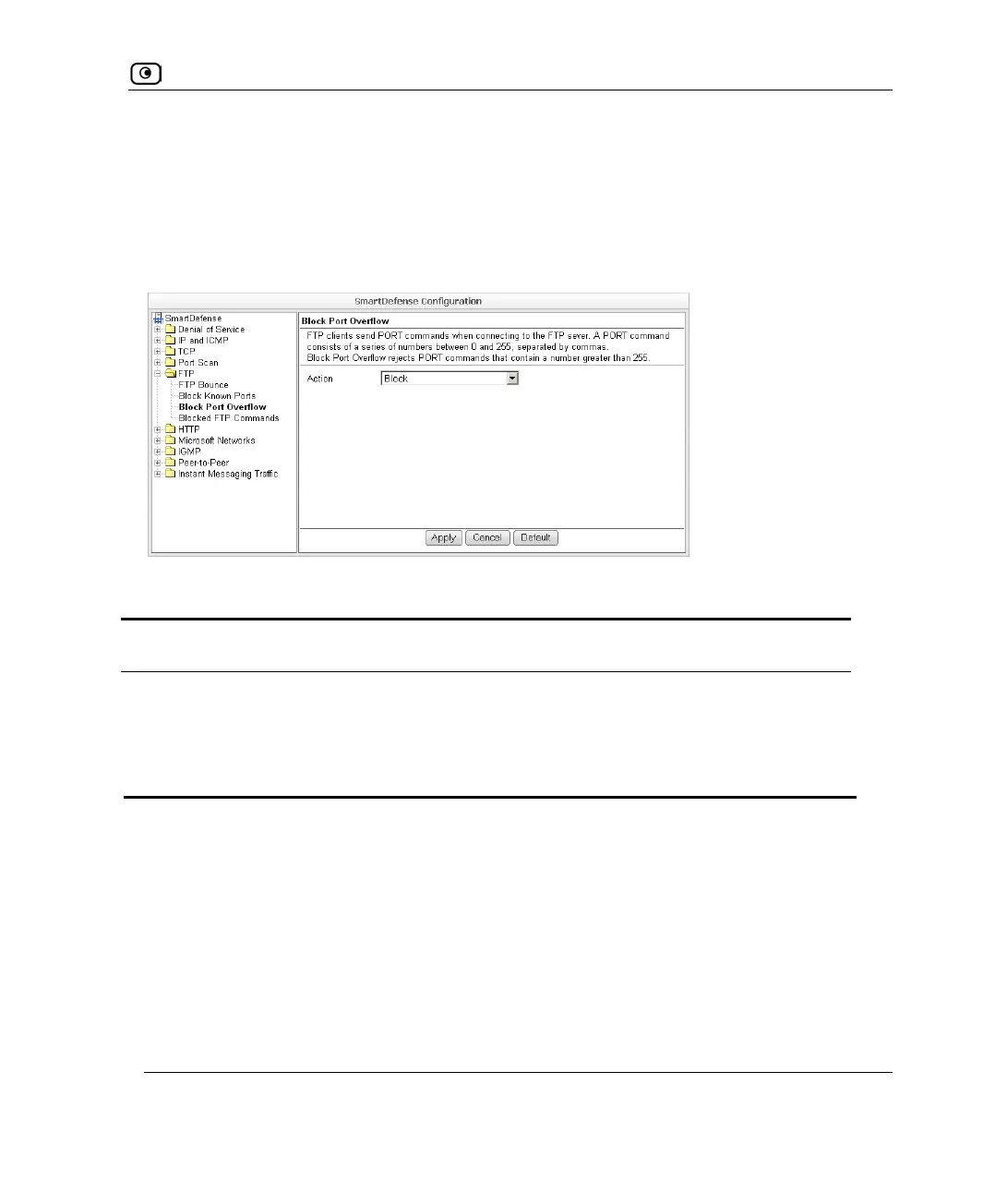
Block Port Overflow
FTP clients send PORT commands when connecting to the FTP sever. A PORT command
consists of a series of numbers between 0 and 255, separated by commas.
To enforce compliance to the FTP standard and prevent potential attacks against the FTP
server, you can block PORT commands that contain a number greater than 255.
Table 89: Block Port Overflow
In this field… Do this…
Action Specify what action to take for PORT commands containing a number
greater than 255, by selecting one of the following:
• Block. Block the PORT command. This is the default.
• None. No action.















 To Next Page