SmartDefense Categories
414 Check Point UTM-1 Edge User Guide
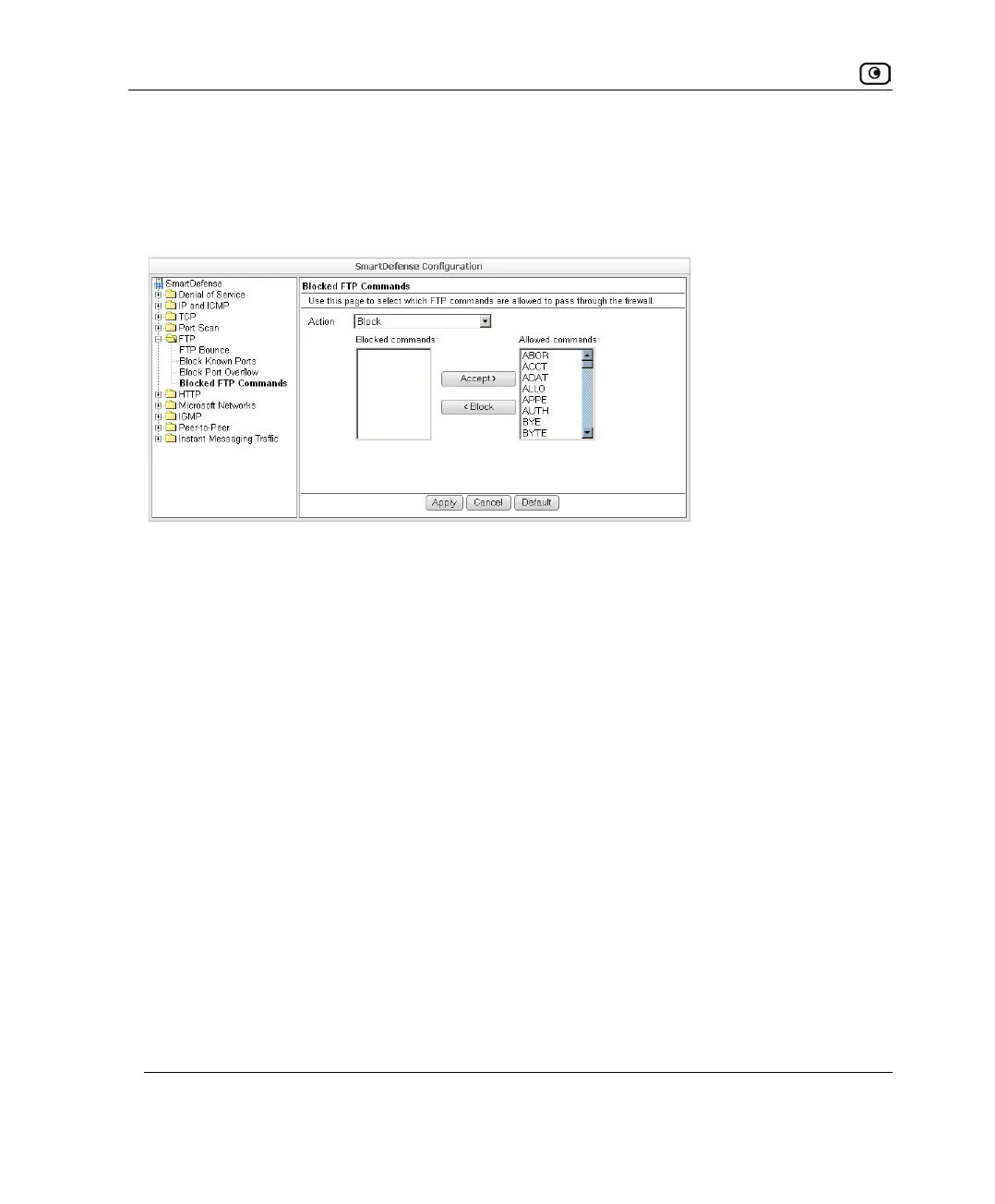
Blocked FTP Commands
Some seldom-used FTP commands may compromise FTP server security and integrity.
You can specify which FTP commands should be allowed to pass through the security
server, and which should be blocked.
To enable FTP command blocking
• In the Action drop-down list, select Block.
The FTP commands listed in the Blocked Commands box will be blocked.
FTP command blocking is enabled by default.
To disable FTP command blocking
• In the Action drop-down list, select None.
All FTP commands are allowed, including those in the Blocked Commands box.
To block a specific FTP command
1. In the Allowed Commands box, select the desired FTP command.
2. Click Block.
The FTP command appears in the Blocked Commands box.
3. Click Apply.
When FTP command blocking is enabled, the FTP command will be blocked.















 To Next Page