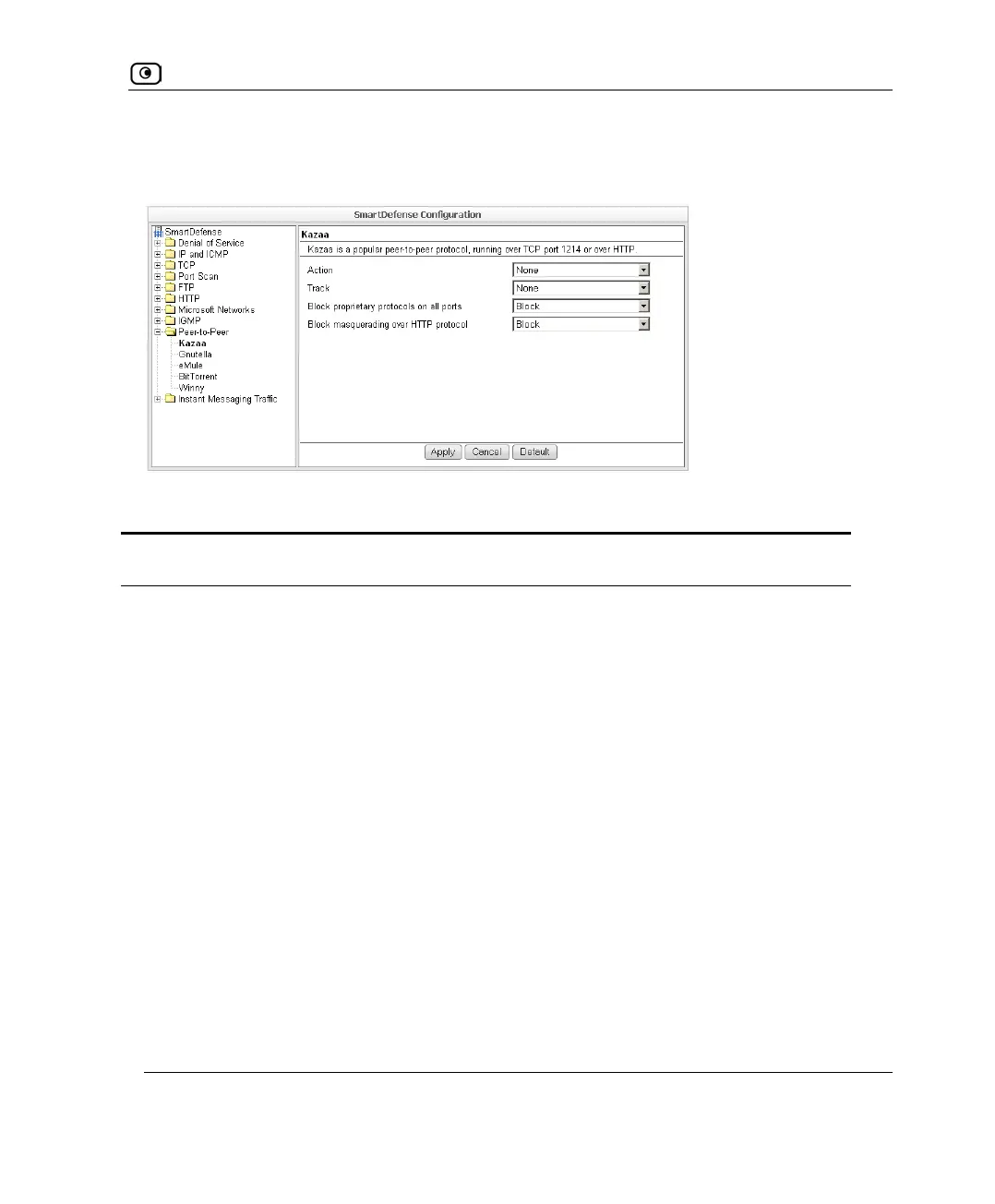
SmartDefense Categories
Chapter 13: Using SmartDefense 421
In each node, you can configure how peer-to-peer connections of the selected type should
be handled, using the following table.
Table 94: Peer to Peer Fields
In this field… Do this…
Action Specify what action to take when a connection is attempted, by selecting
one of the following:
• Block. Block the connection.
• None. No action. This is the default.
Track Specify whether to log peer-to-peer connections, by selecting one of the
following:
• Log. Log the connection.
• None. Do not log the connection. This is the default.
Block proprietary
protocols on all ports
Specify whether proprietary protocols should be blocked on all ports, by
selecting one of the following:
• Block. Block the proprietary protocol on all ports. This in effect
prevents all communication using this peer-to-peer
application. This is the default.
• None. Do not block the proprietary protocol on all ports.















 To Next Page