Configuring VStream Antivirus
Chapter 14: Using VStream Antivirus 433
2. Do one of the following:
• To add a new rule, click Add Rule.
• To edit an existing rule, click the Edit icon next to the desired rule.
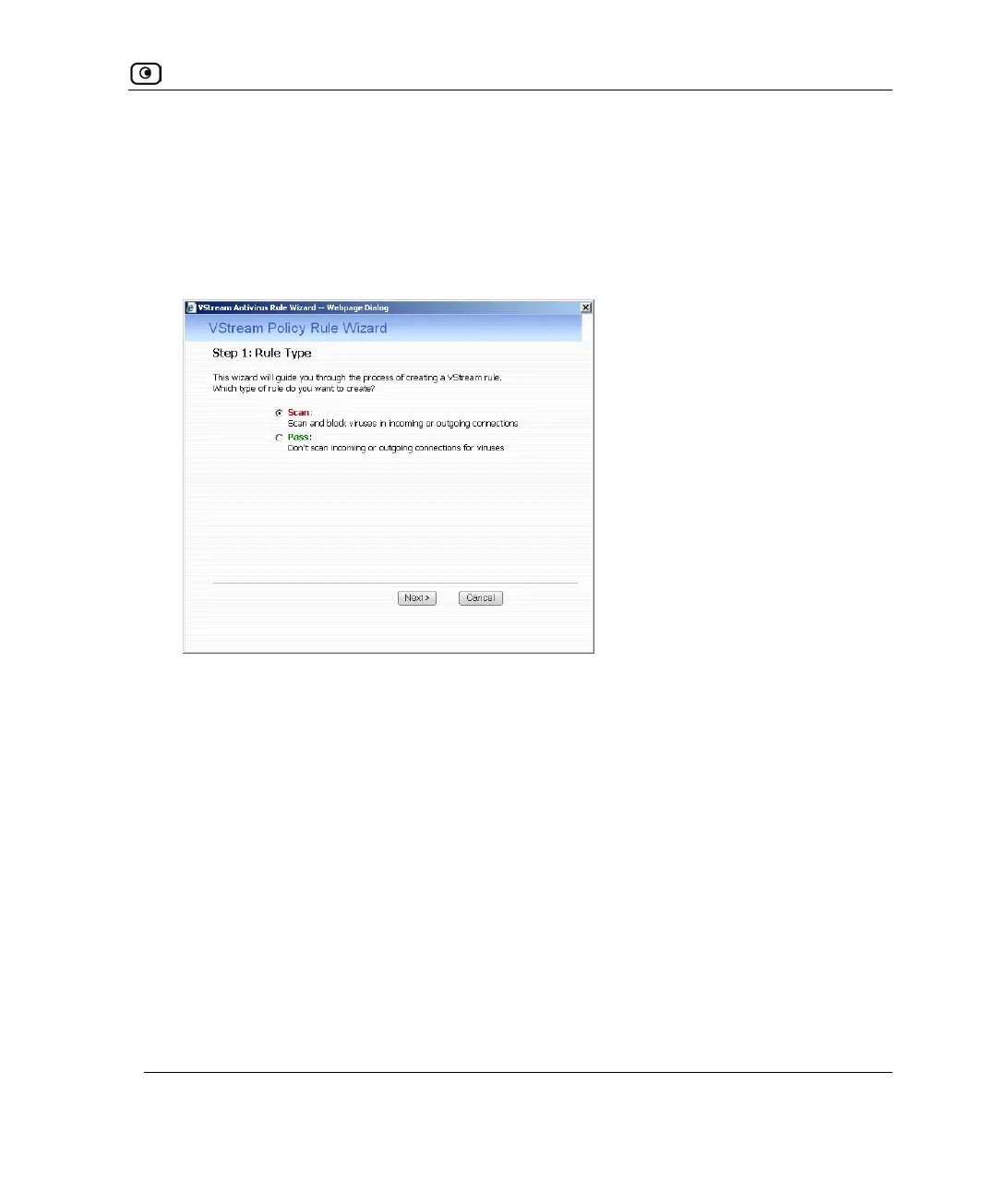
The VStream Policy Rule Wizard opens, with the Step 1: Rule Type dialog box
displayed.
3. Select the type of rule you want to create.
4. Click Next.
The Step 2: Service dialog box appears.















 To Next Page