Configuring VStream Antivirus
432 Check Point UTM-1 Edge User Guide
Table 98: VStream Antivirus Rule Types
Rule Description
Pass This rule type enables you to specify that VStream Antivirus should not scan
traffic matching the rule.
Scan This rule type enables you to specify that VStream Antivirus should scan traffic
matching the rule.
If a virus is found, it is blocked and logged.
Adding and Editing VStream Antivirus Rules
To add or edit a VStream Antivirus rule
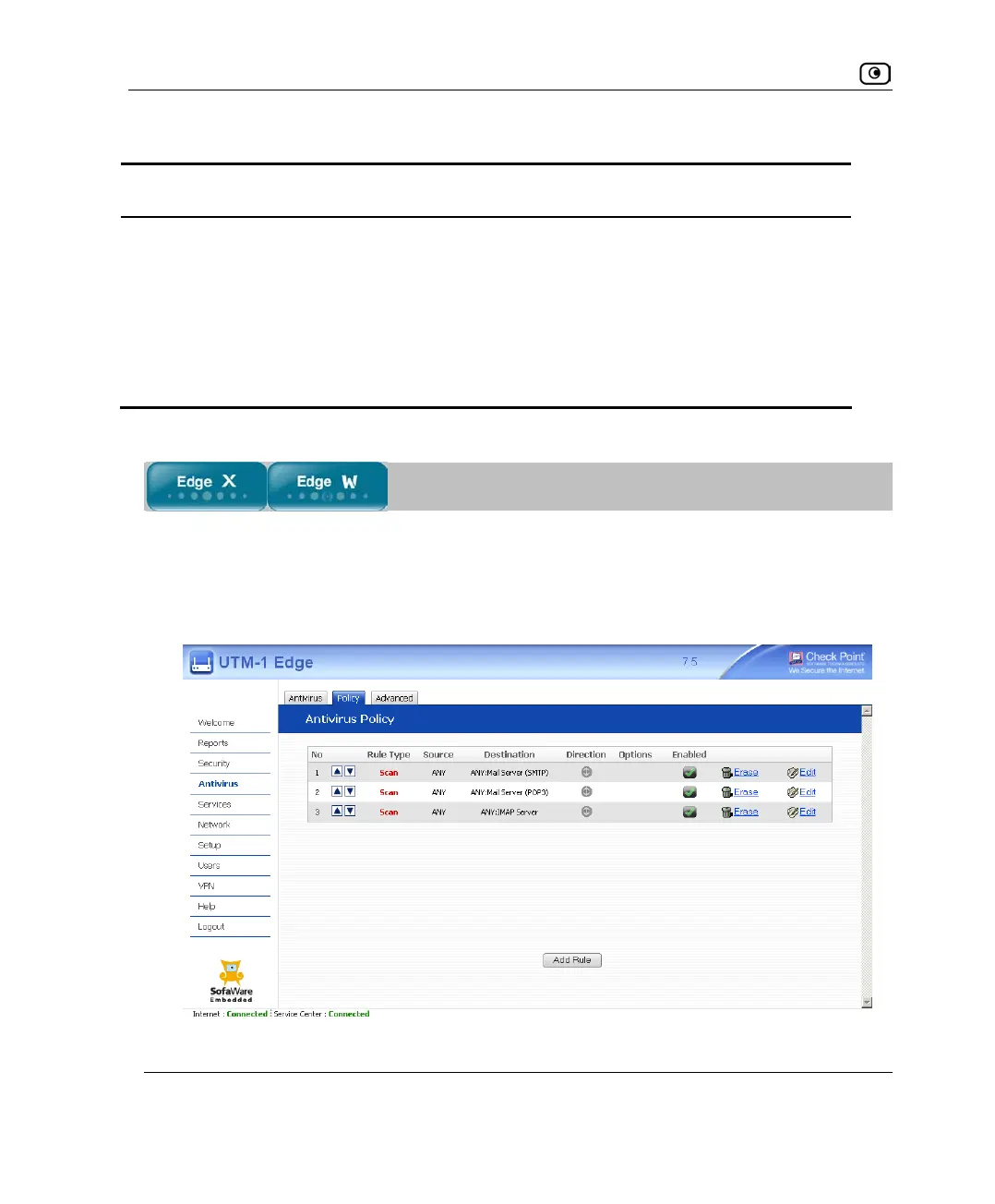
1. Click Antivirus in the main menu, and click the Policy tab.
The Antivirus Policy page appears.















 To Next Page