The UTM-1 Edge X Series and UTM-1 Edge W Series
32 Check Point UTM-1 Edge User Guide
Label Description
DMZ/
WAN2
A dedicated Ethernet port (RJ-45) used to connect a DMZ (Demilitarized Zone)
computer or network. Alternatively, can serve as a secondary WAN port or as a
VLAN trunk.
LAN 1-4 Local Area Network switch: Four Ethernet ports (RJ-45) used for connecting
computers or other network devices.
ANT 1/
ANT 2
Antenna connectors, used to connect the supplied wireless antennas .
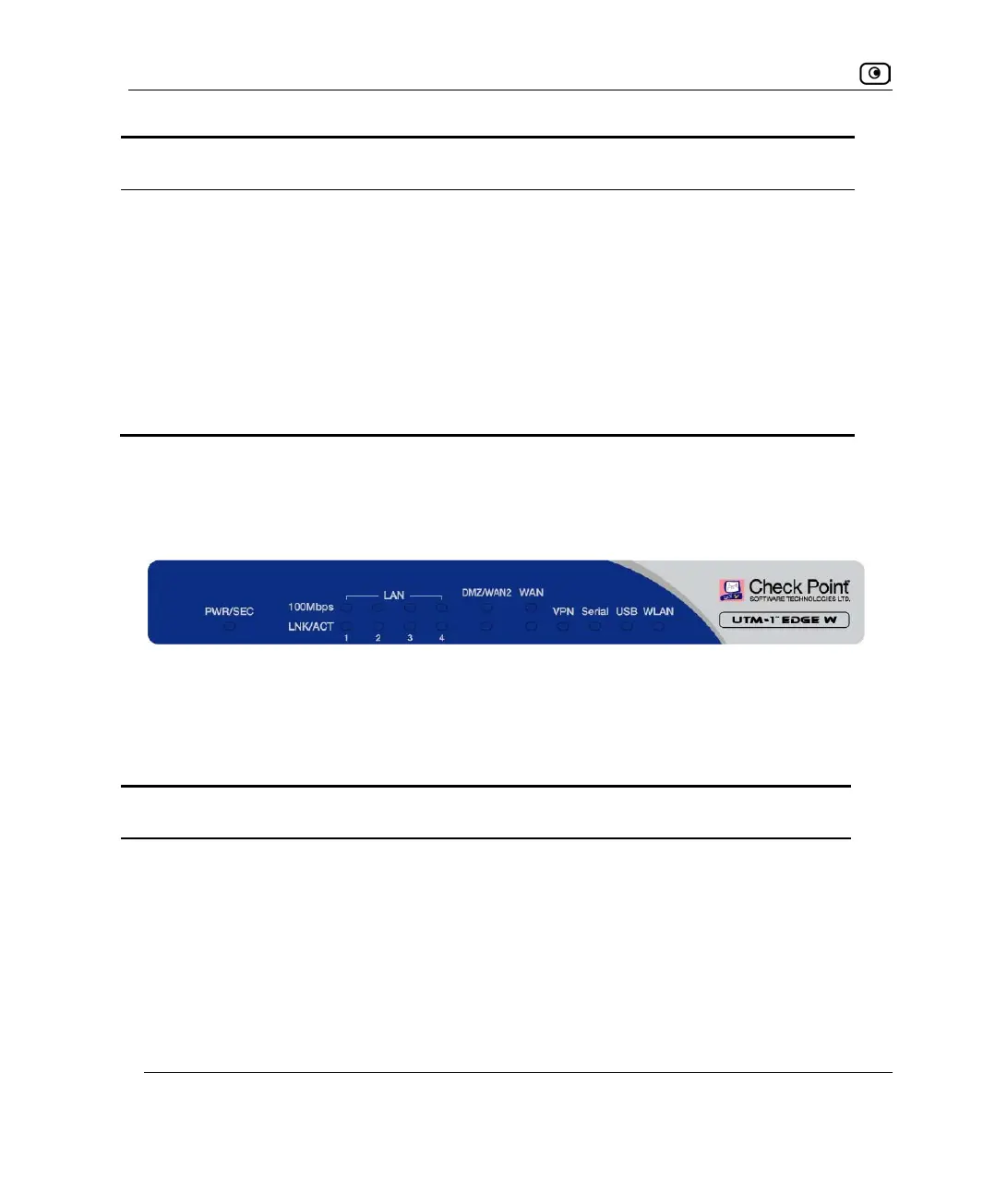
Front Panel
The UTM-1 Edge W appliance includes several status LEDs that enable you to monitor the
appliance’s operation.
For an explanation of the UTM-1 Edge W appliance’s status LEDs, see the table below.
Table 13: UTM-1 Edge W Appliance Status LEDs
LED State Explanation
PWR/SEC Off Power off
Flashing quickly (Green) System boot-up
Flashing slowly (Green) Establishing Internet connection
Flashing (Red) Hacker attack blocked
Figure 9: UTM-1 Edge W Appliance Front Panel















 To Next Page