Web Filtering
Chapter 15: SMART Management and Subscription Services 459
Temporarily Disabling Web Filtering
If desired, you can temporarily disable the Web Filtering service.
To temporarily disable Web Filtering
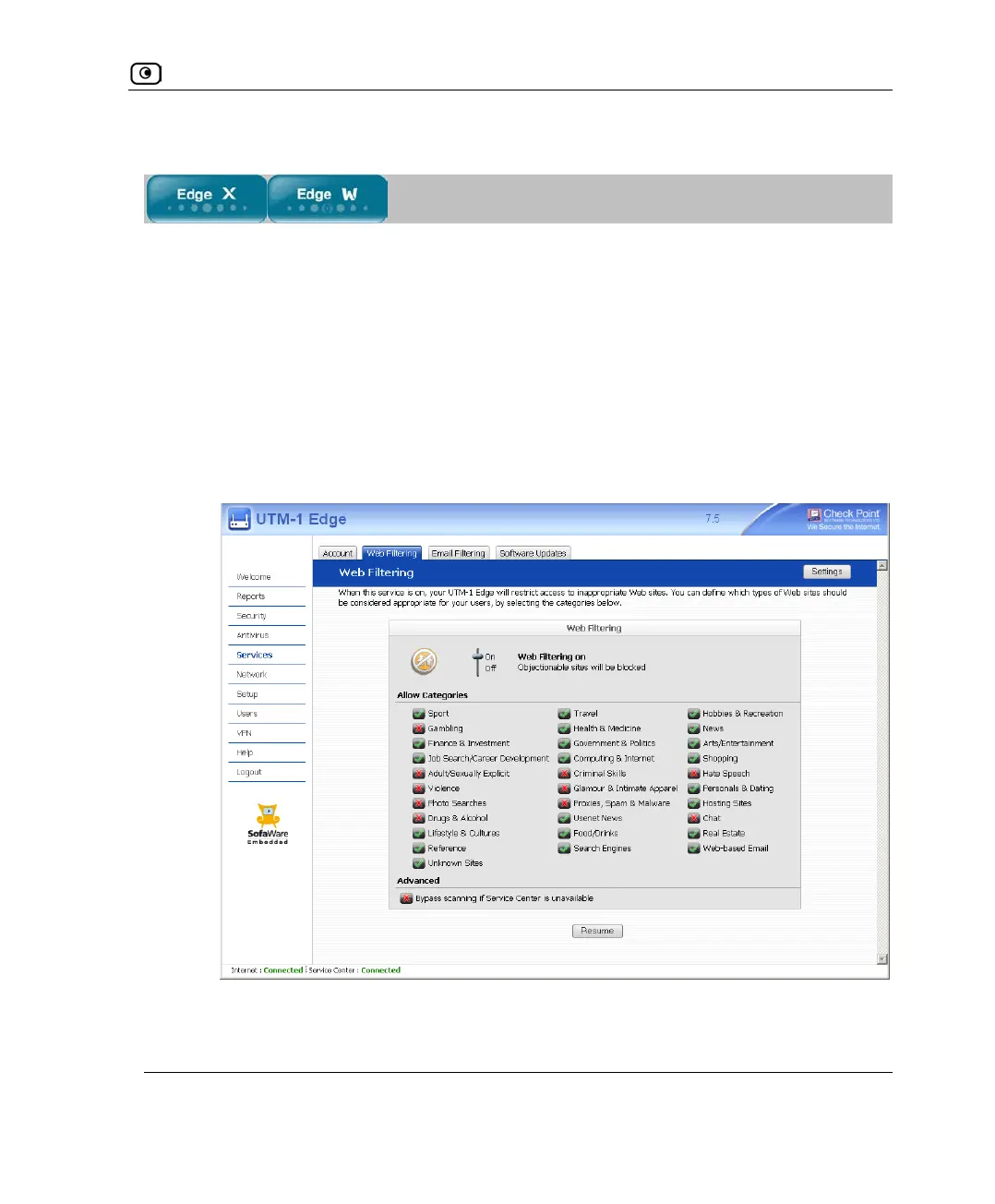
1. Click Services in the main menu, and click the Web Filtering tab.
The Web Filtering page appears.
2. Click Snooze.
• Web Filtering is temporarily disabled for all internal network computers.
• The Snooze button changes to Resume.















 To Next Page