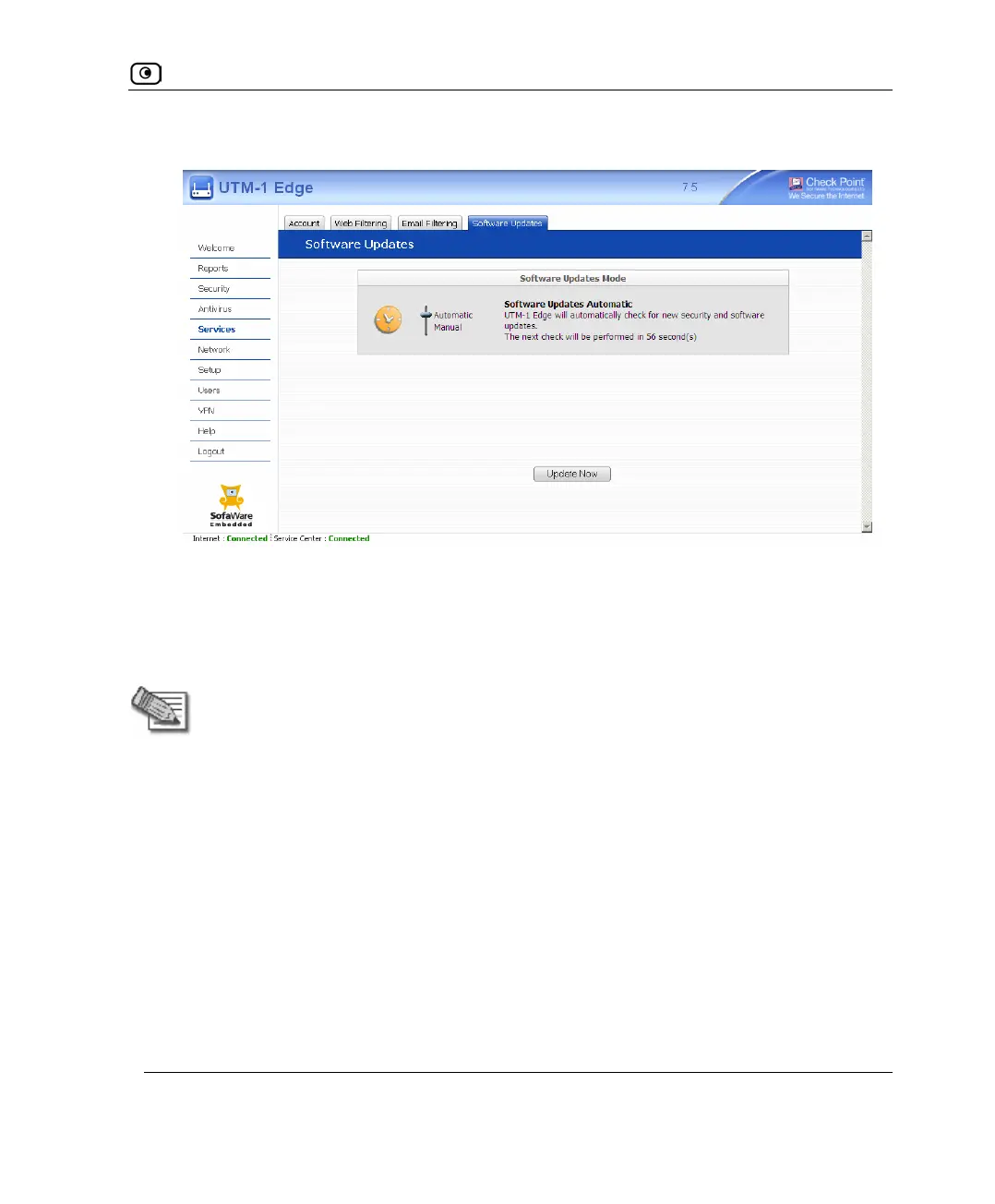
Automatic and Manual Updates
Chapter 15: SMART Management and Subscription Services 467
The Software Updates page appears.
2. To set the UTM-1 appliance to automatically check for and install new
software updates, drag the Automatic/Manual lever upwards.
The UTM-1 appliance checks for new updates and installs them according to its
schedule.
Note: When the Software Updates service is set to Automatic, you can still manually
check for updates.
3. To set the UTM-1 appliance so that software updates must be checked for
manually, drag the Automatic/Manual lever downwards.
The UTM-1 appliance does not check for software updates automatically.
4. To manually check for software updates, click Update Now.
The system checks for new updates and installs them.















 To Next Page