Automatic and Manual Updates
468 Check Point UTM-1 Edge User Guide
Checking for Software Updates when Remotely Managed
If your UTM-1 appliance is remotely managed, it automatically checks for software
updates and installs them without user intervention. However, you can still check for
updates manually, if needed.
To manually check for security and software updates
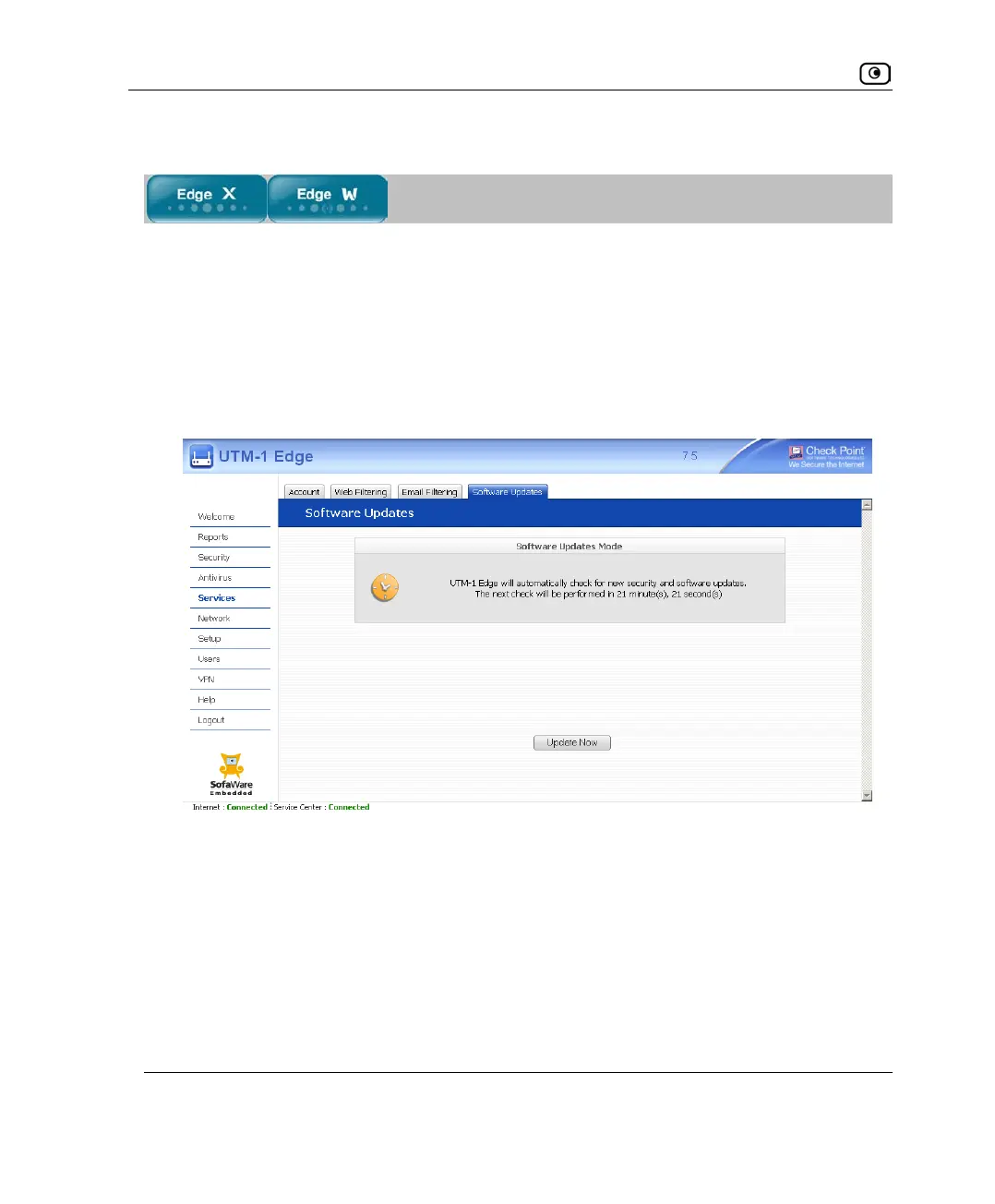
1. Click Services in the main menu, and click the Software Updates tab.
The Software Updates page appears.
2. Click Update Now.
The system checks for new updates and installs them.















 To Next Page