Setting Up Your UTM-1 Appliance as a VPN Server
478 Check Point UTM-1 Edge User Guide
Configuring the SecuRemote Remote Access VPN Server
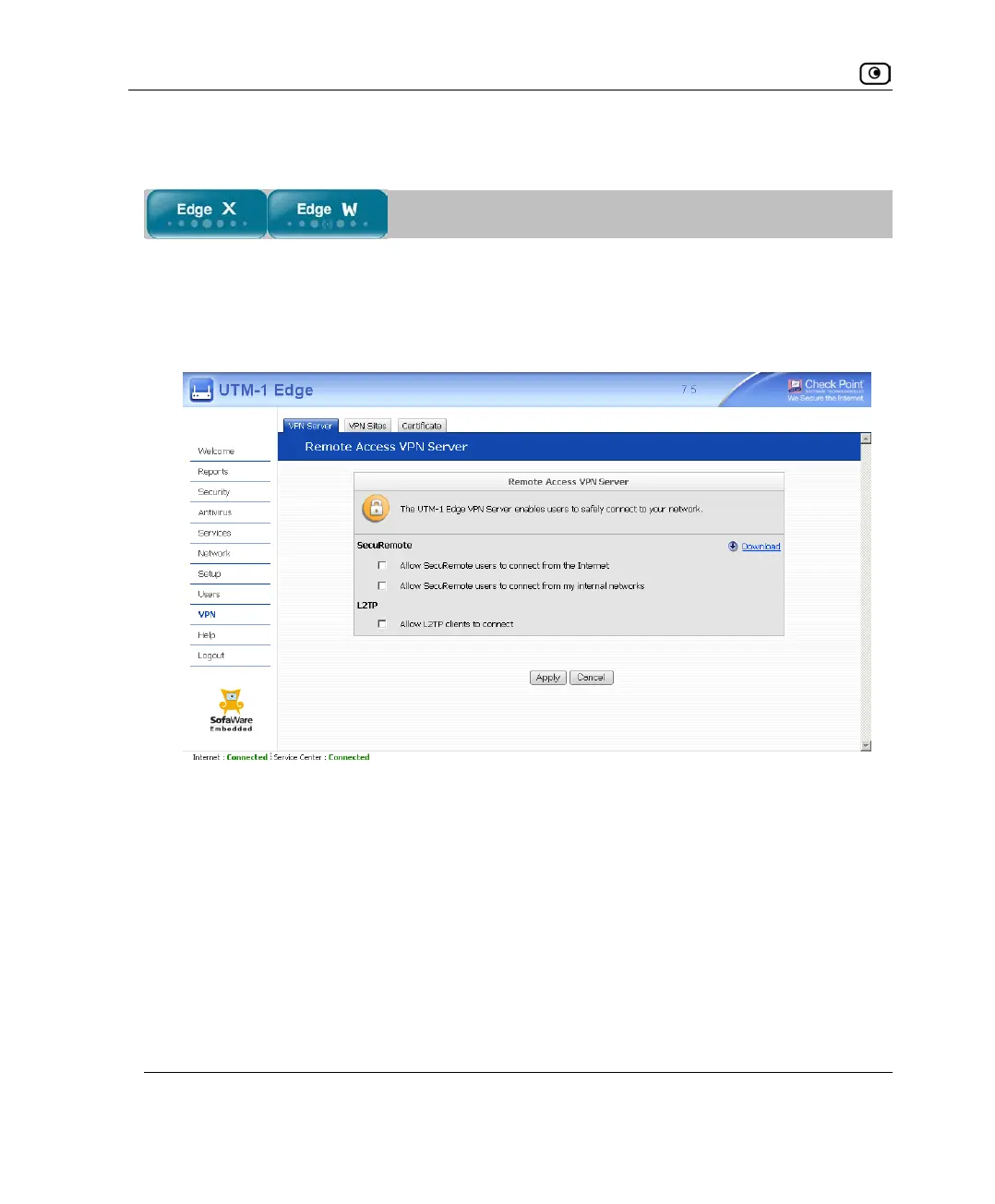
To configure the SecuRemote Remote Access VPN Server
1. Click VPN in the main menu, and click the VPN Server tab.
The VPN Server page appears.
2. Select the Allow SecuRemote users to connect from the Internet check box.















 To Next Page