Setting Up Your UTM-1 Appliance as a VPN Server
480 Check Point UTM-1 Edge User Guide
Configuring the Internal VPN Server
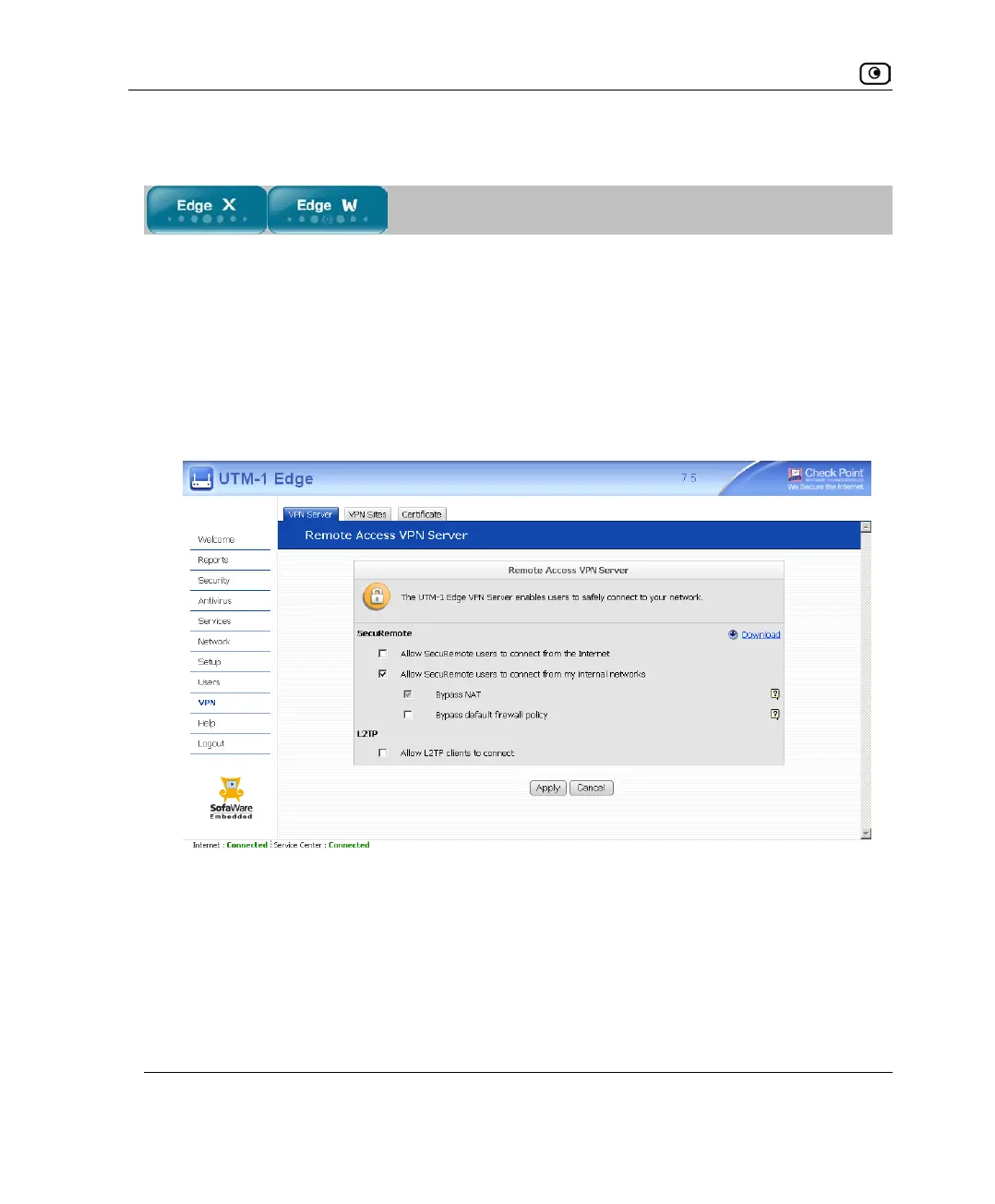
To configure the internal VPN Server
1. Click VPN in the main menu, and click the VPN Server tab.
The SecuRemote VPN Server page appears.
2. Select the Allow SecuRemote users to connect from my internal networks check
box.
New check boxes appear.
3. To allow authenticated users connecting from internal networks to bypass the
default firewall policy and access your internal network without restriction,
select the Bypass default firewall policy check box.
User-defined rules will still apply to the authenticated users.















 To Next Page