Setting Up Your UTM-1 Appliance as a VPN Server
486 Check Point UTM-1 Edge User Guide
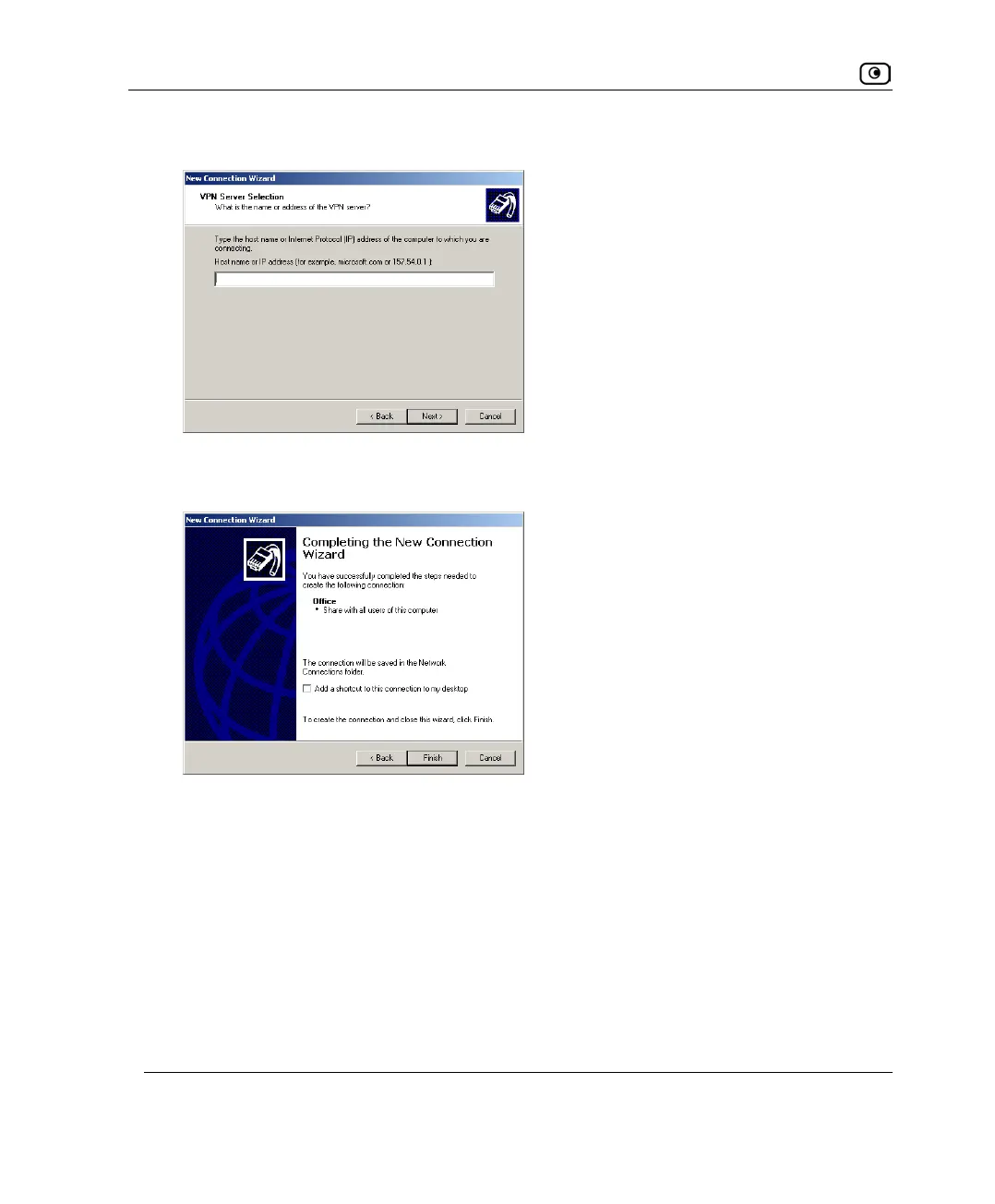
The VPN Server Selection dialog box appears.
14. In the field, type the UTM-1 appliance's IP address.
The Completing the New Connection Wizard screen appears.
15. Click Finish.
16. In the Network and Dial-up Connections window, right-click on the L2TP
connection, and click Properties in the popup menu.
The connection's Properties dialog box opens.















 To Next Page