Adding and Editing VPN Sites
Chapter 16: Working with VPNs 495
6. Complete the fields using the information in Authentication Methods Fields
on page
503.
7. Click Next.
Username and Password Authentication Method
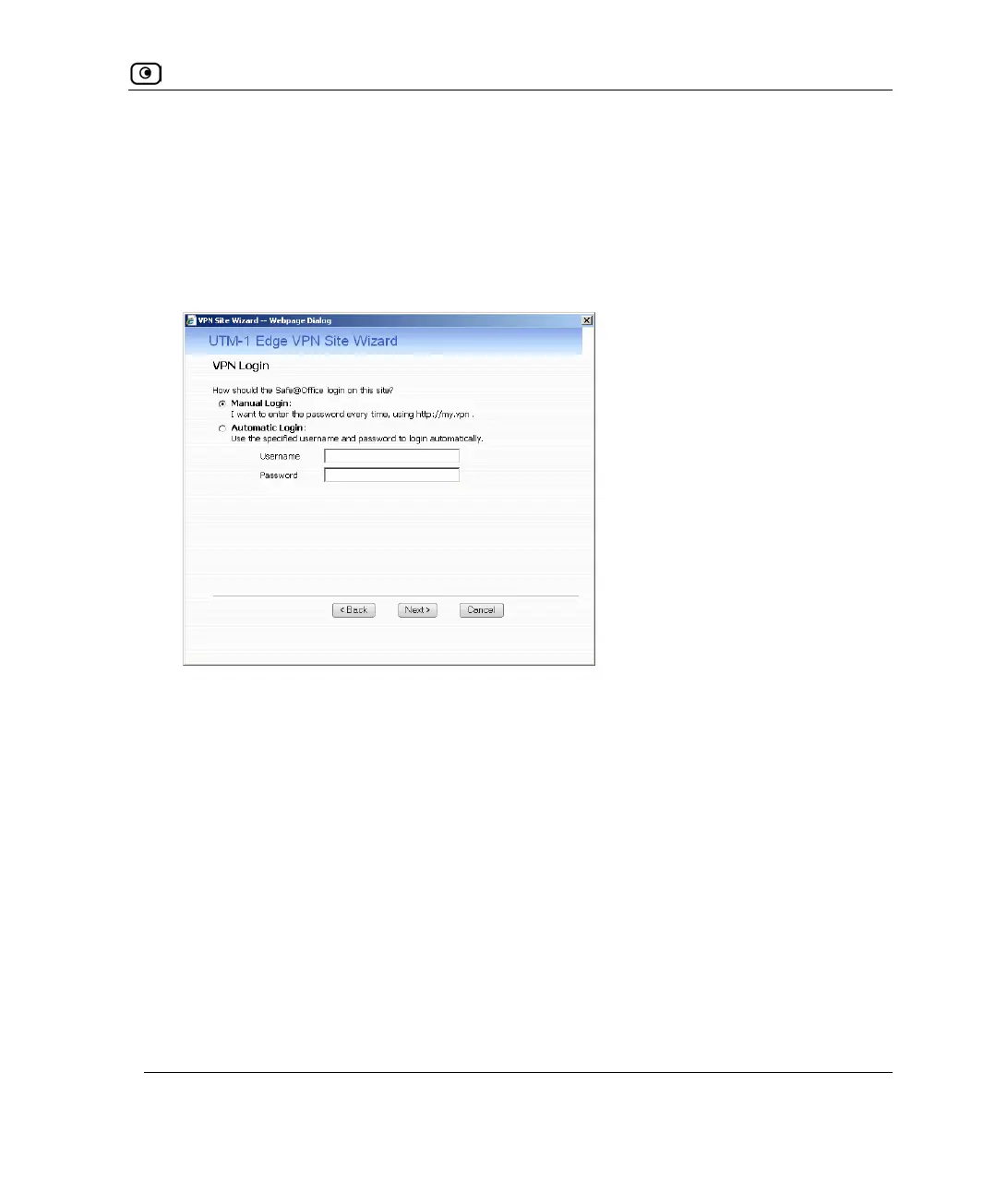
If you selected Username and Password, the VPN Login dialog box appears.
1. Complete the fields using the information in VPN Login Fields on page
504.
2. Click Next.















 To Next Page