Adding and Editing VPN Sites
496 Check Point UTM-1 Edge User Guide
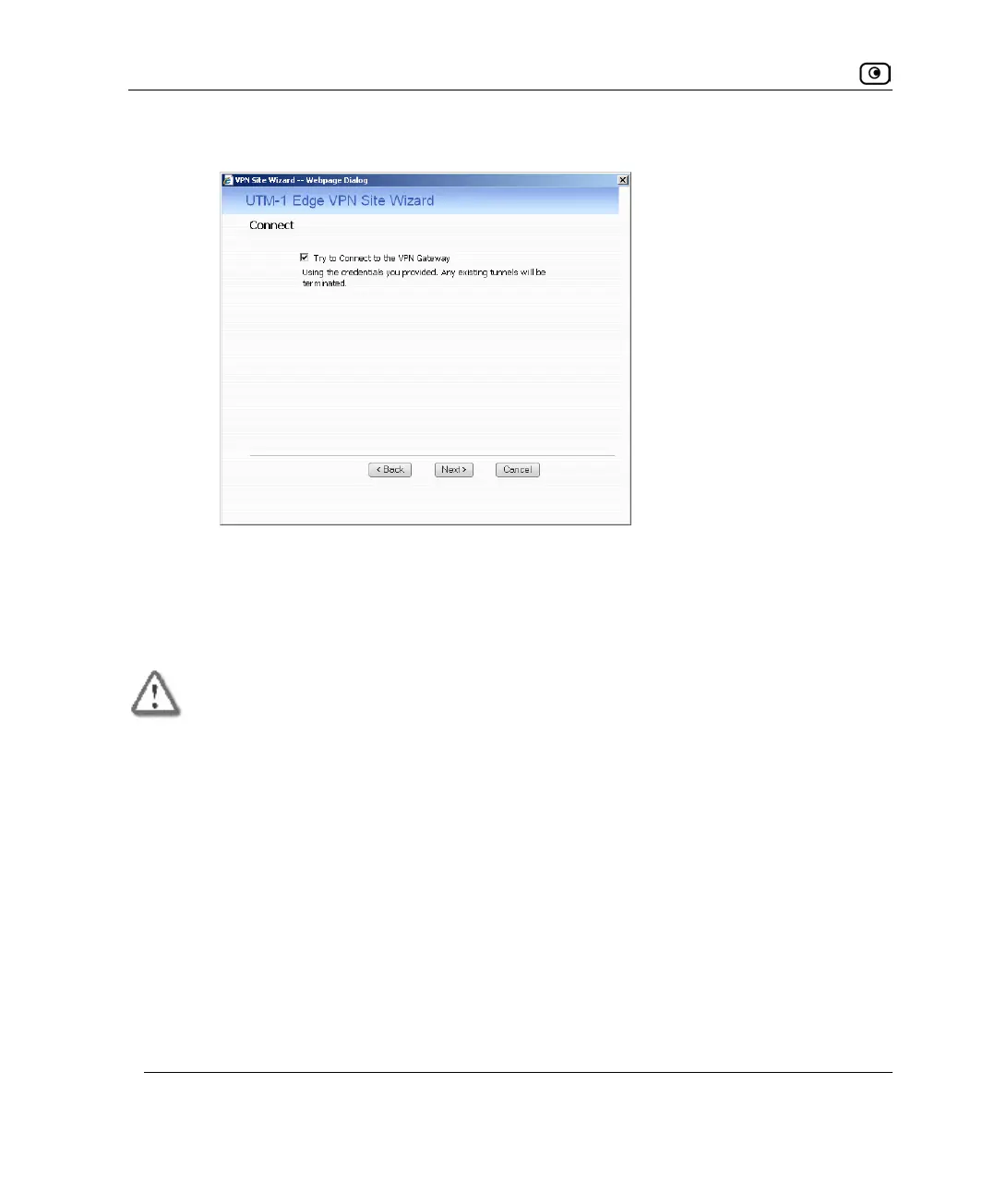
• If you selected Automatic Login, the Connect dialog box appears.
Do the following:
1) To try to connect to the Remote Access VPN Server, select the Try to
Connect to the VPN Gateway check box.
This allows you to test the VPN connection.
Warning: If you try to connect to the VPN site before completing the wizard, all
existing tunnels to this site will be terminated.
2) Click Next.
If you selected Try to Connect to the VPN Gateway, the Connecting… screen
appears, and then the Contacting VPN Site screen appears.















 To Next Page