Adding and Editing VPN Sites
Chapter 16: Working with VPNs 517
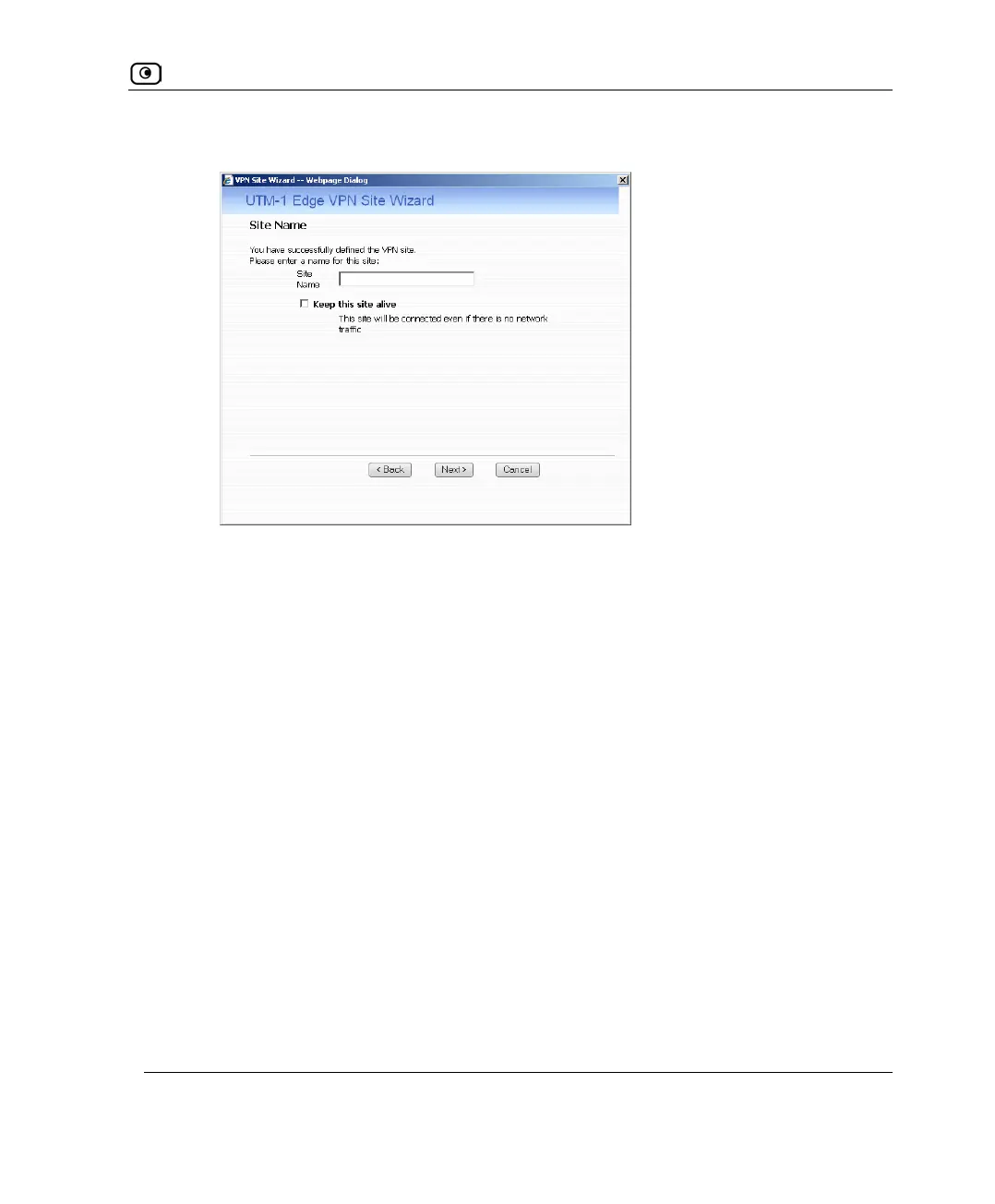
• The Site Name dialog box appears.
5. Enter a name for the VPN site.
You may choose any name.
6. To keep the tunnel to the VPN site alive even if there is no network traffic
between the UTM-1 appliance and the VPN site, select Keep this site alive.
7. Click Next.















 To Next Page