Adding and Editing VPN Sites
518 Check Point UTM-1 Edge User Guide
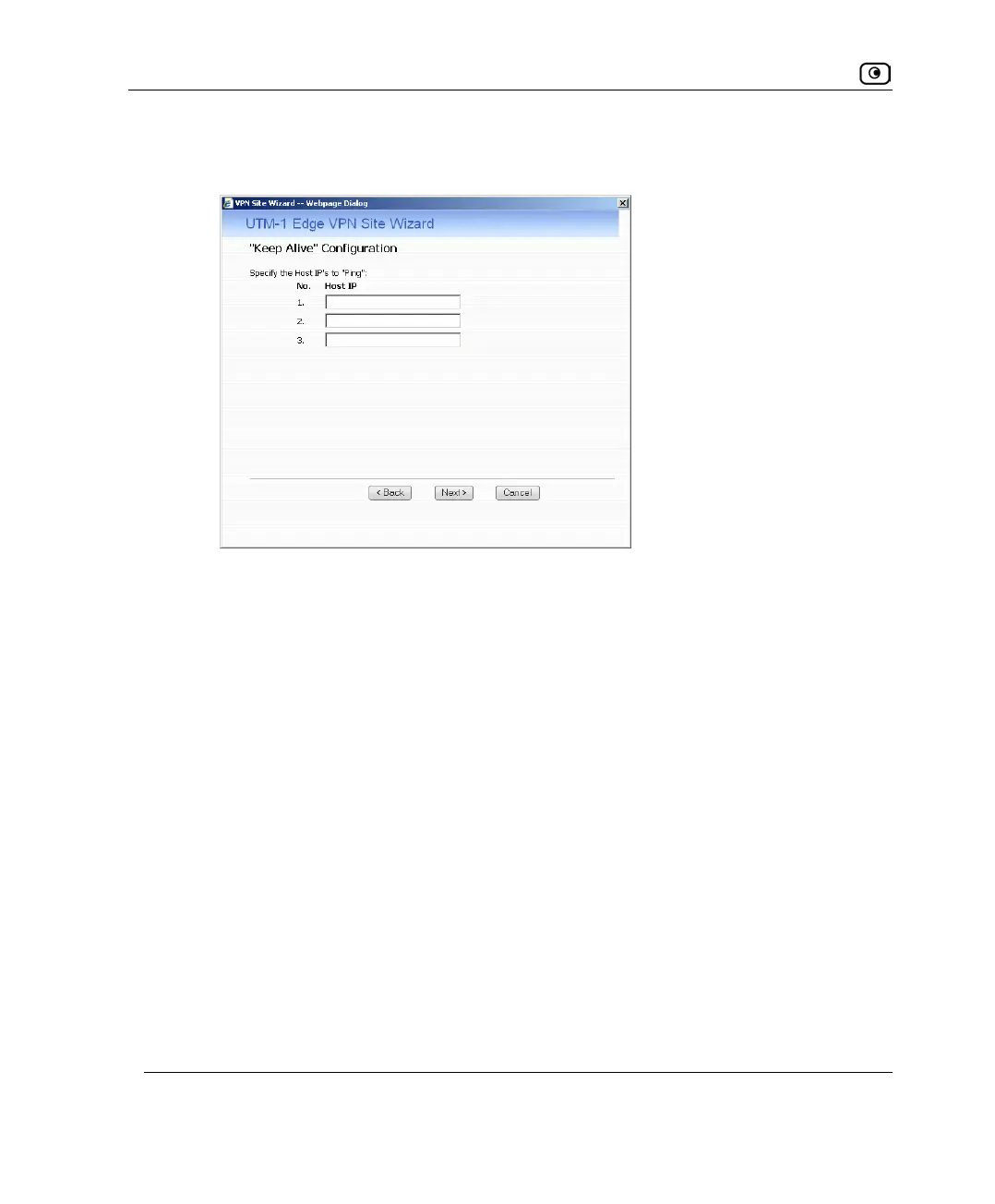
• If you selected Keep this site alive, and previously you chose Download
Configuration, the "Keep Alive" Configuration dialog box appears.
Do the following:
1) Type up to three IP addresses which the UTM-1 appliance should
ping in order to keep the tunnel to the VPN site alive.
2) Click Next.
• The VPN Site Created screen appears.
8. Click Finish.
The VPN Sites page reappears. If you added a VPN site, the new site appears in the
VPN Sites list. If you edited a VPN site, the modifications are reflected in the VPN
Sites list.















 To Next Page