Logging on to a Remote Access VPN Site
Chapter 16: Working with VPNs 525
Logging on through the UTM-1 Portal
Note: You can only log on to sites that are configured for Manual Login.
To manually log on to a VPN site through the UTM-1 Portal
1. Click VPN in the main menu, and click the VPN Sites tab.
The VPN Sites page appears.
2. Next to the desired VPN site, click Login.
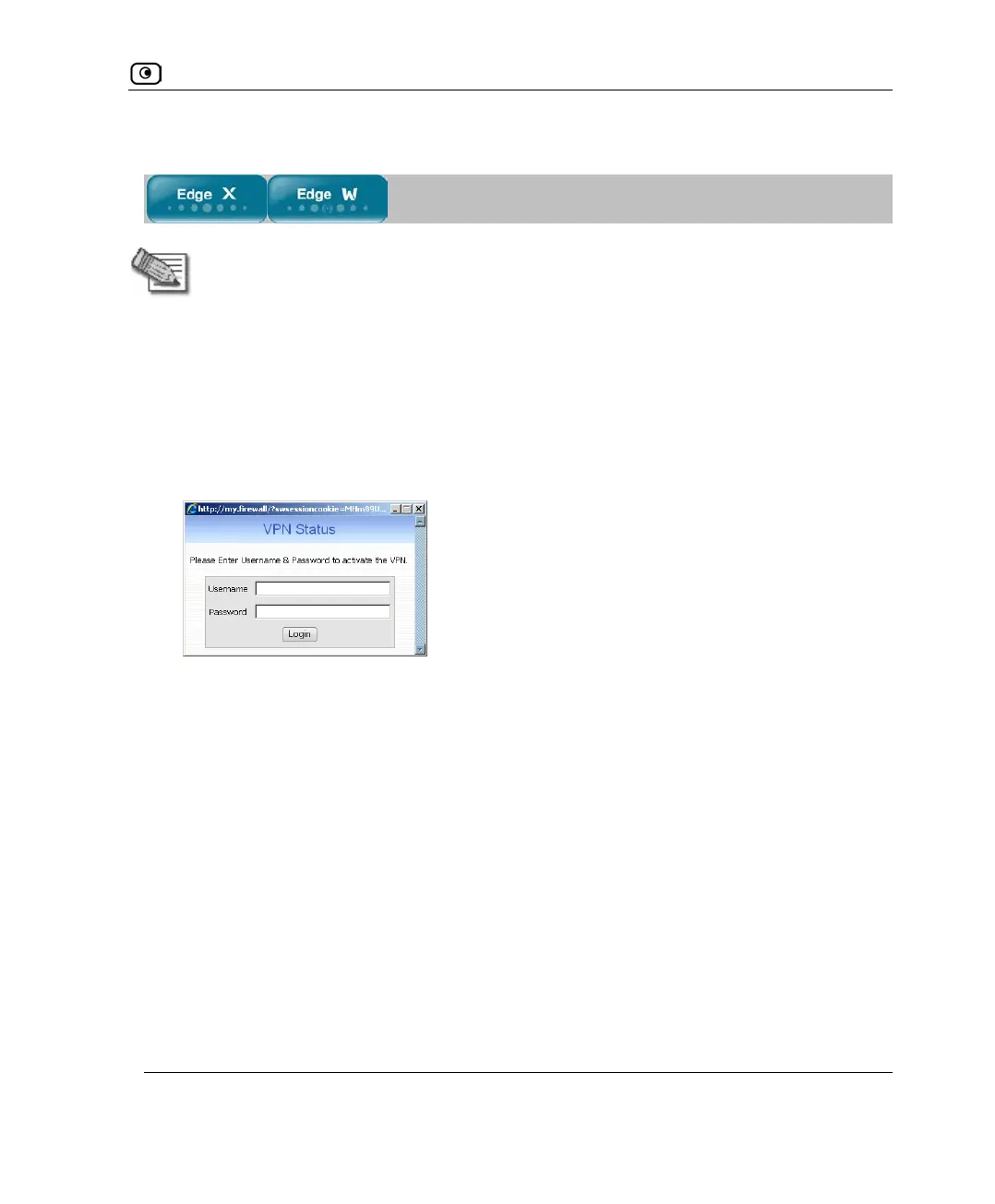
The VPN Status dialog box appears.
3. Type your user name and password in the appropriate fields.
4. Click Login.
• If the UTM-1 appliance is configured to automatically download the network
configuration, the UTM-1 appliance downloads the network configuration.
• If when adding the VPN site you specified a network configuration, the UTM-
1 appliance attempts to create a tunnel to the VPN site.
Once the UTM-1 appliance has finished connecting, the dialog box displays
“Connected”.
• The VPN Status dialog box remains open until you manually log off the VPN
site.















 To Next Page