Logging on to a Remote Access VPN Site
526 Check Point UTM-1 Edge User Guide
Logging on through the my.vpn page
Note: You don’t need to know the my.firewall page administrator’s password in order
to use the my.vpn page.
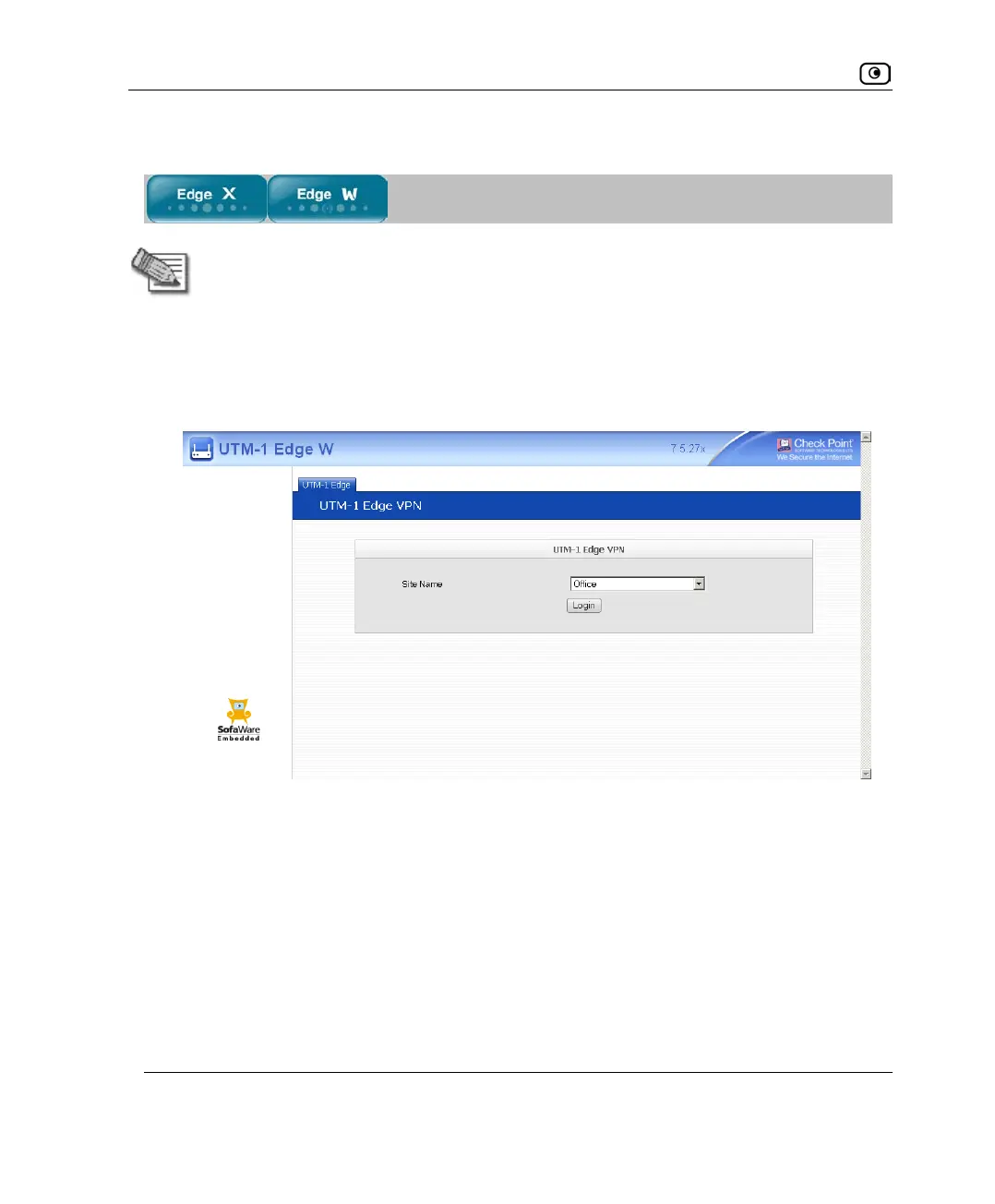
To manually log on to a VPN site through the my.vpn page
1. Direct your Web browser to http://my.vpn
The VPN Login screen appears.
2. In the Site Name list, select the site to which you want to log on.
3. Enter your user name and password in the appropriate fields.
4. Click Login.
• If the UTM-1 appliance is configured to automatically download the network
configuration, the UTM-1 appliance downloads the network configuration.
• If when adding the VPN site you specified a network configuration, the UTM-
1 appliance attempts to create a tunnel to the VPN site.















 To Next Page