Using RADIUS Authentication
Chapter 17: Managing Users 555
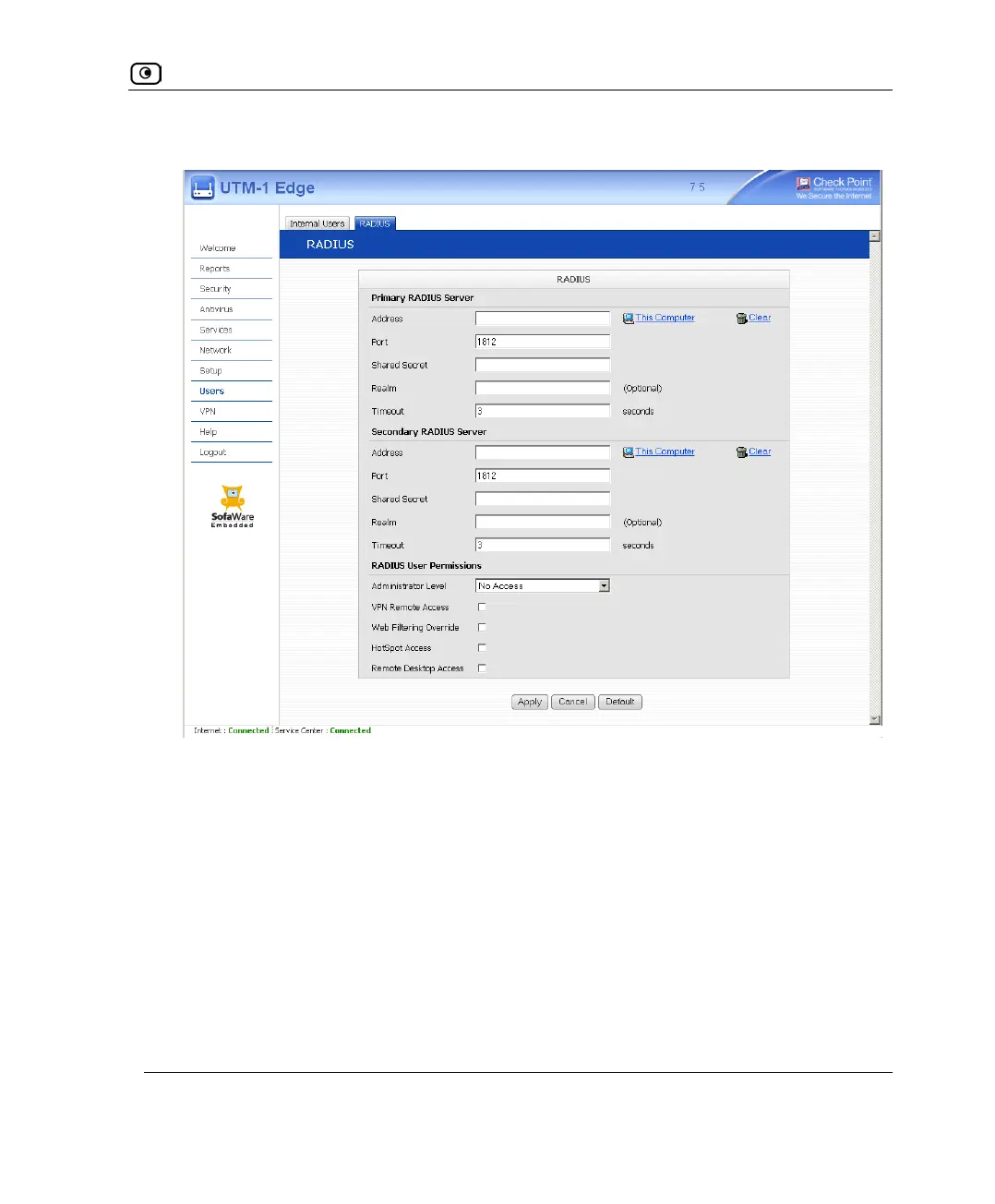
The RADIUS page appears.
2. Complete the fields using the following table.
3. Click Apply.
4. To restore the default RADIUS settings, do the following:
a) Click Default.
A confirmation message appears.
b) Click OK.
The RADIUS settings are reset to their defaults. For information on the default
values, refer to the following table.















 To Next Page