Using Diagnostic Tools
Chapter 19: Maintenance 607
Using IP Tools
To use an IP tool
1. Click Setup in the main menu, and click the Tools tab.
The Tools page appears.
2. In the Tool drop-down list, select the desired tool.
3. In the Address field, type the IP address or DNS name for which to run the
tool.
4. Click Go.
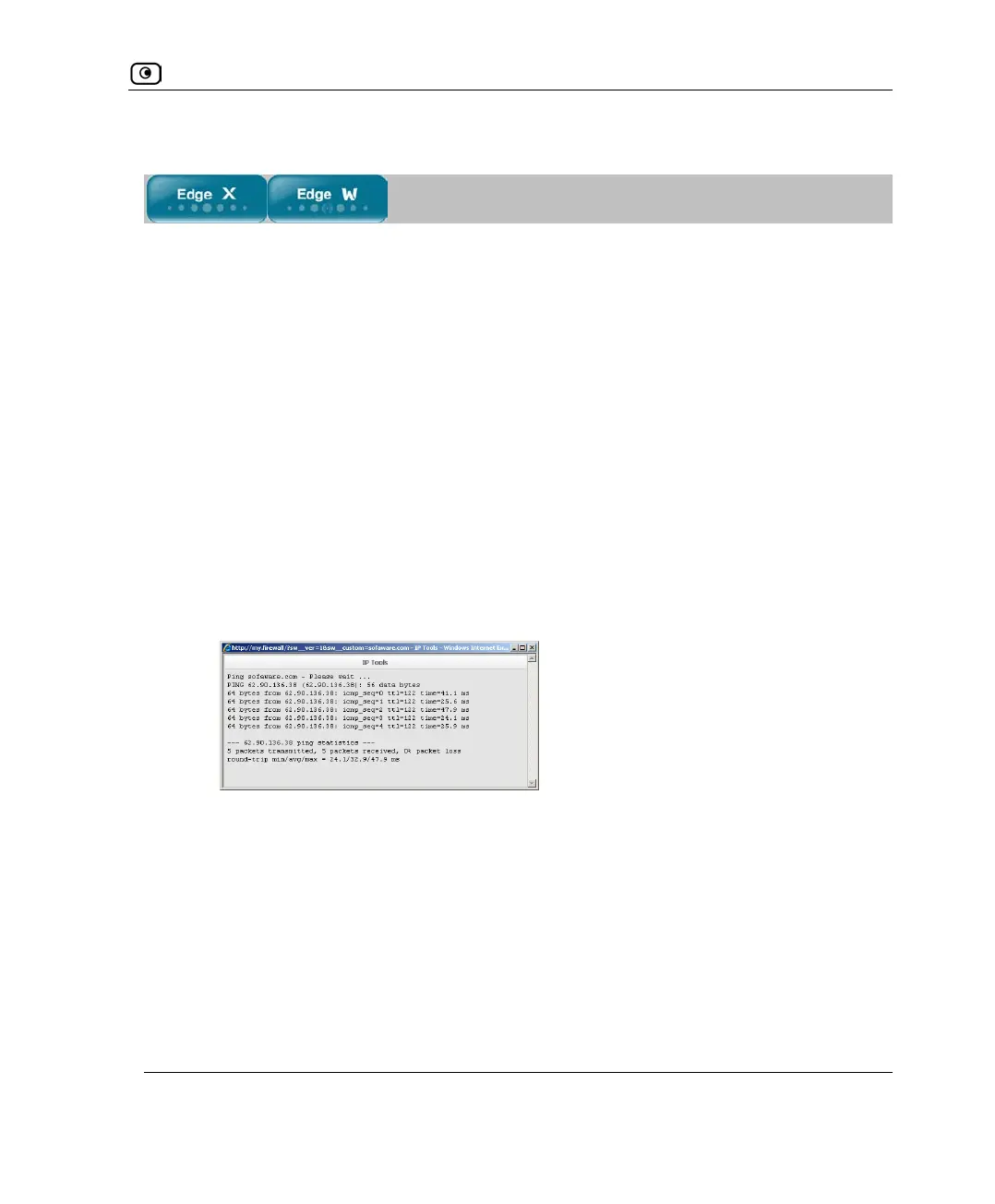
• If you selected Ping, the following things happen:
The UTM-1 appliance sends packets to the specified the IP address or DNS name.
The IP Tools window opens and displays the percentage of packet loss and the
amount of time it took each packet to reach the specified host and return (round-
trip) in milliseconds.
• If you selected Traceroute, the following things happen:
The UTM-1 appliance connects to the specified IP address or DNS name.














 To Next Page