Using Diagnostic Tools
608 Check Point UTM-1 Edge User Guide
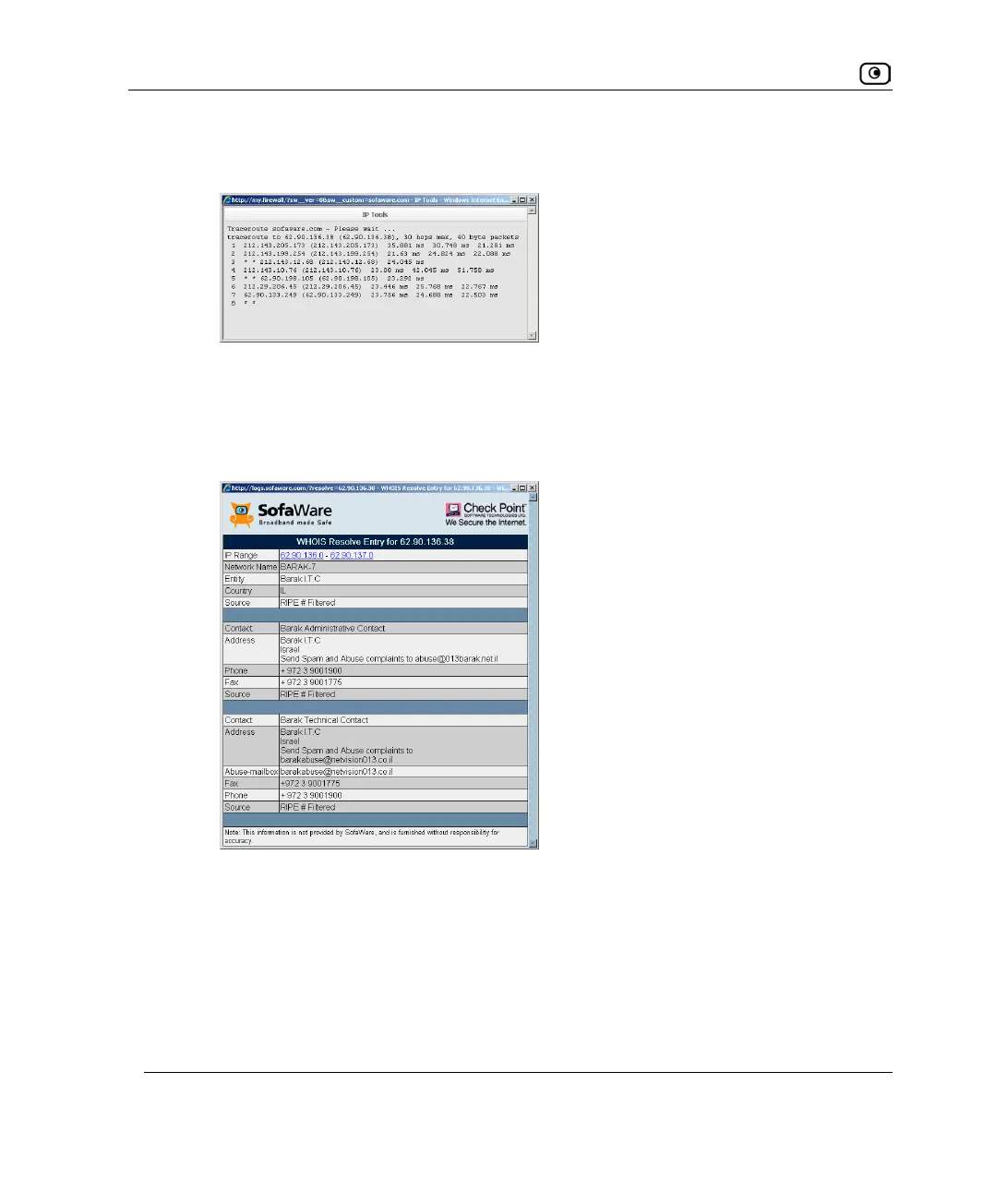
The IP Tools window opens and displays a list of routers used to make the
connection.
• If you selected WHOIS, the following things happen:
The UTM-1 appliance queries the Internet WHOIS server.
A window displays the name of the entity to which the IP address or DNS name is
registered and their contact information.















 To Next Page