Configuring Computers to Use Network Printers
Chapter 20: Using Network Printers 635
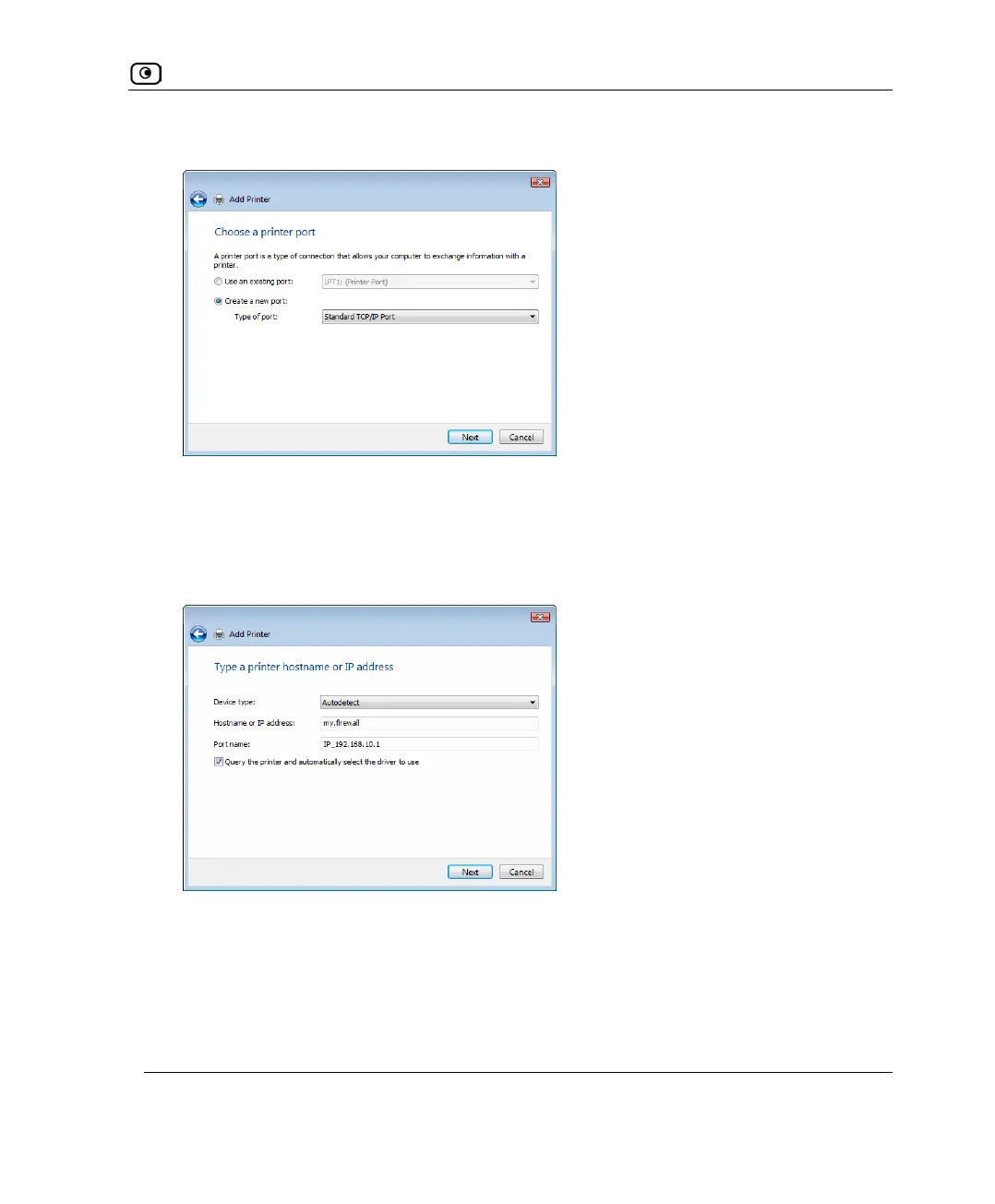
The Choose a printer port dialog box appears.
7. Click Create a new port.
8. In the Type of port drop-down list, select Standard TCP/IP Port.
9. Click Next.
The Type a printer hostname or IP address dialog box appears.
10. In the Device type drop-down list, select Autodetect.
11. In the Hostname or IP address field, type the UTM-1 appliance's LAN IP
address, or "my.firewall".
You can find the LAN IP address in the UTM-1 Portal, under Network > My Network.















 To Next Page